
Payments
Every Way Your Supporters Want To Give
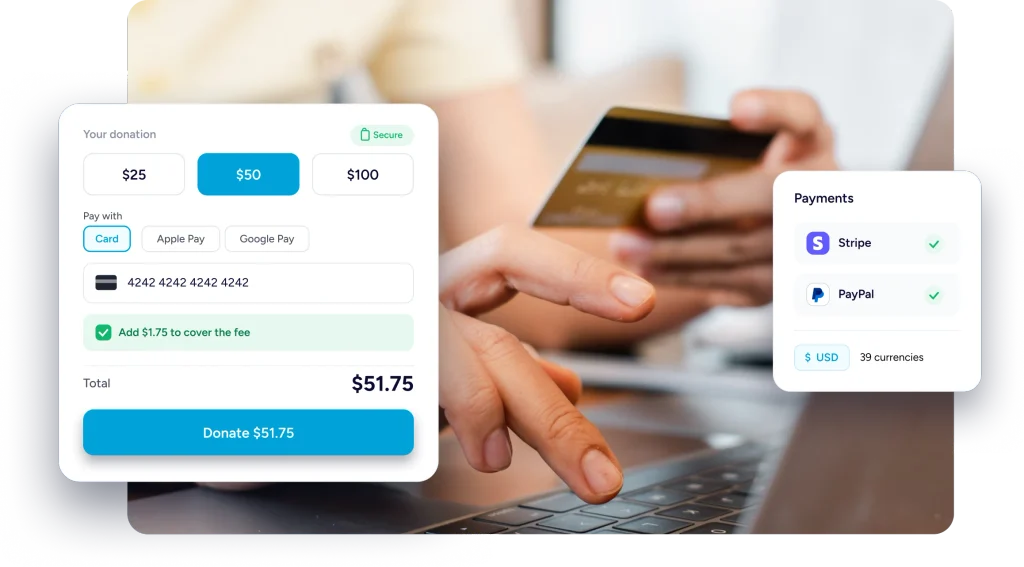
Take donations through Stripe, PayPal or straight from the bank, on one form, with the money landing in an account you already own.
Four Ways A Gift Can Arrive
Mix them on a single form. However the money comes in, it lands in the same donation list.
One-Time
Make a single gift with suggested amounts or let donors enter a custom amount that works for them.
Recurring, Ongoing
Repeats daily, weekly, monthly or yearly until the donor decides to stop or change the schedule.
A Set Number Of Gifts
Repeats on the same schedule for a set number of gifts, ending automatically when the count is reached.
Your Own Context Counts
Tags on every profile record what a database never captures, so the next conversation starts informed.
Connects Straight To The Account You Already Own
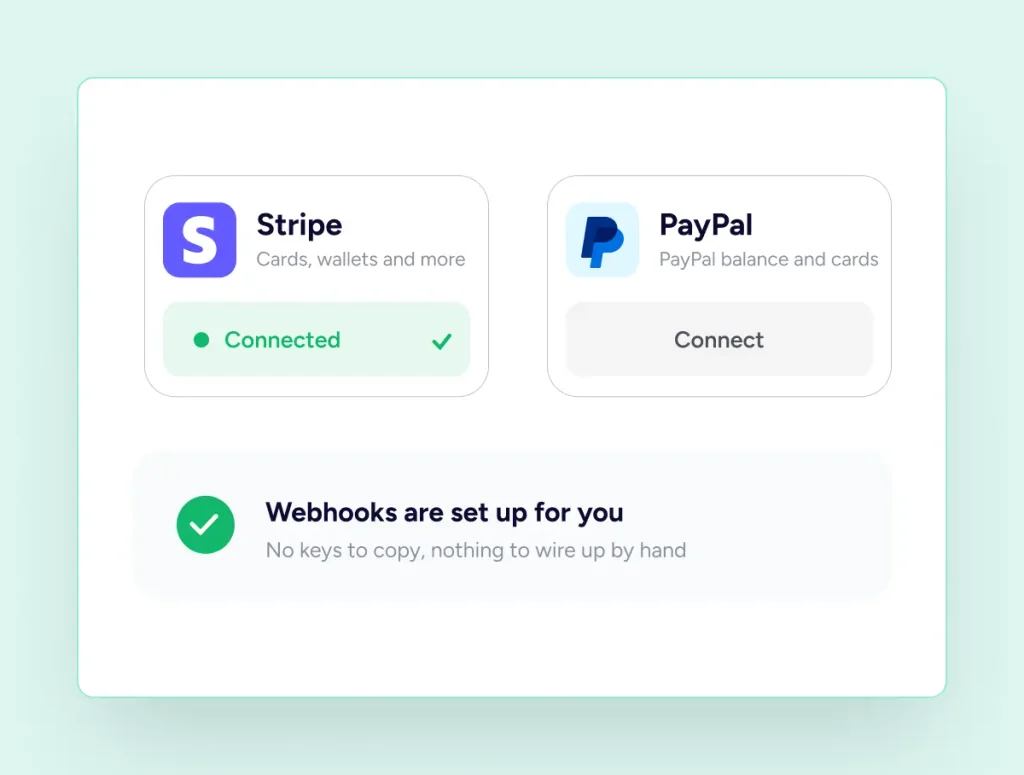
Neither processor routes through us. You connect your own, and the gifts settle there.
Stripe
Connected with a few clicks
-
Methods follow your Stripe dashboard
-
Several accounts, one chosen per form
-
Full and partial refunds
-
Recurring gifts, ongoing or fixed
PayPal
Familiar to a cautious donor
-
Sandbox to practise in, then live
-
Payments, refunds and reversals tracked
-
Subscription events handled for you
-
Runs alongside Stripe on one form
Supporters Made Visible
See The Whole Relationship, Not One Payment
Open a profile and the giving story is already assembled, from the very first donation to the tag your team added last week.
Getting connected
Connect A Gateway Without Copying Keys Around
Stripe and PayPal both connect from the payments screen, and both begin in test mode. Run a few practice donations, watch them land in your donations list, then move the site to live once you are satisfied. Webhooks are created and kept in step for you.
What donors see
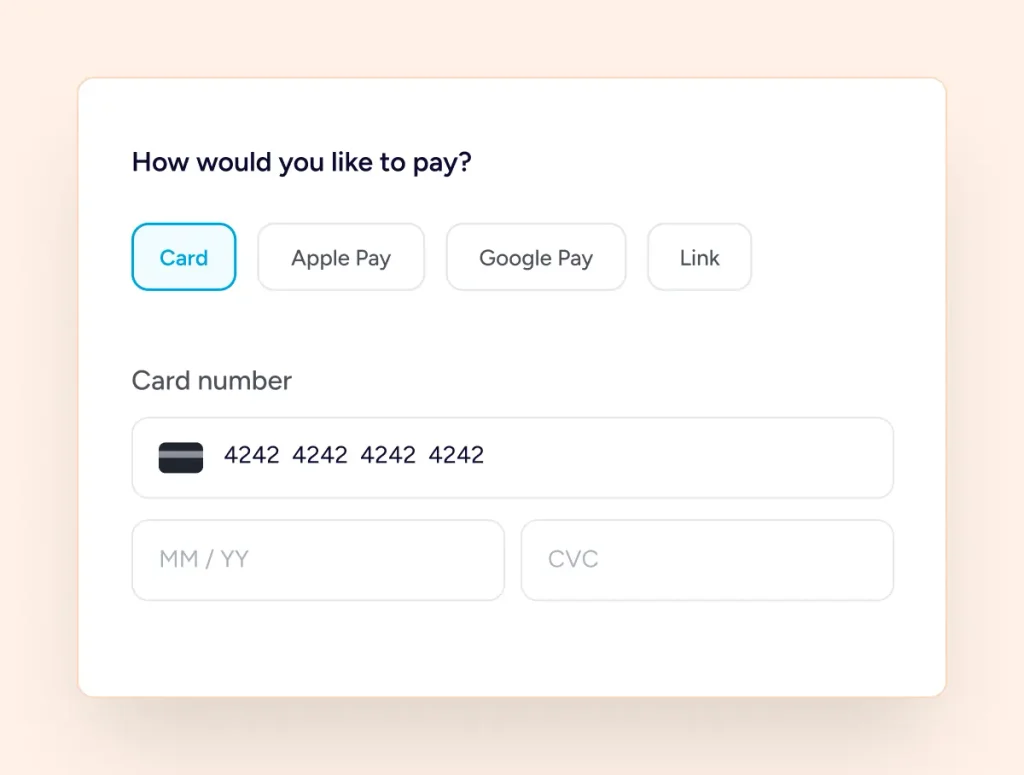
The Methods Your Processor Already Offers
SureDonation keeps no fixed list of card types. Stripe is asked for whatever you have switched on inside your own dashboard, so the options a donor meets suit their region and your account. Enable something new there and it turns up on the form.
Covering the cost
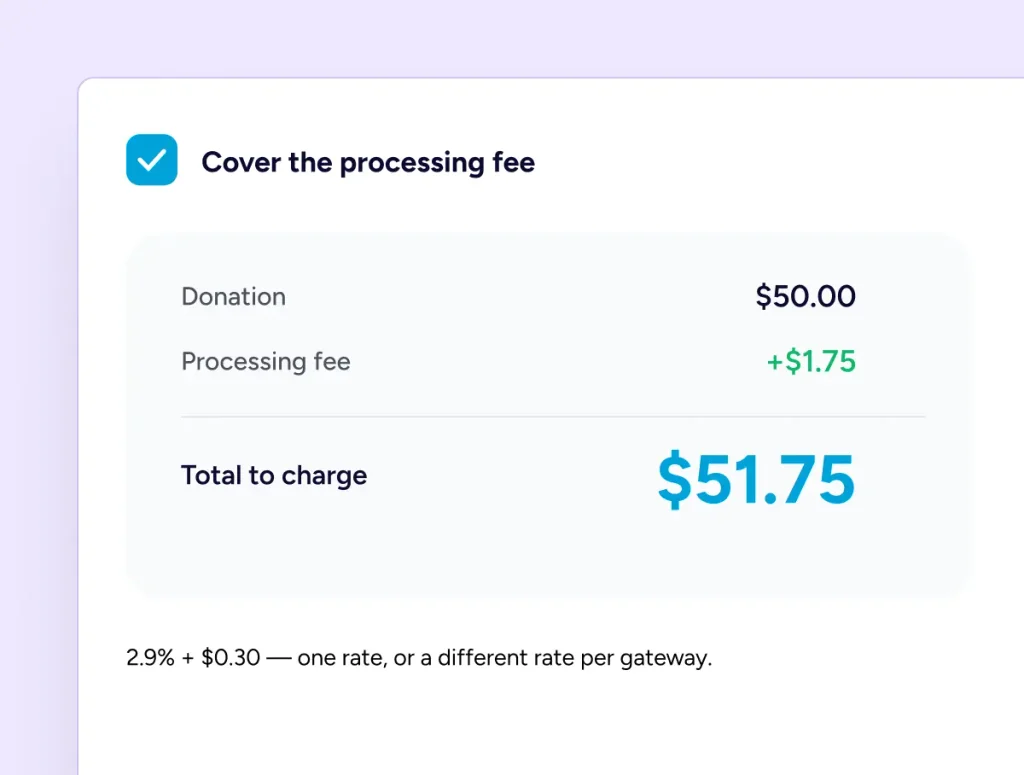
Let Donors Add The Processing Fee
A checkbox invites donors to cover what the processor charges, so more of the gift reaches the work. Set a percentage and a fixed amount, apply one rate across everything, or give each gateway its own. Whatever gets added comes to you.
When money moves back
Refund From The List You Already Use
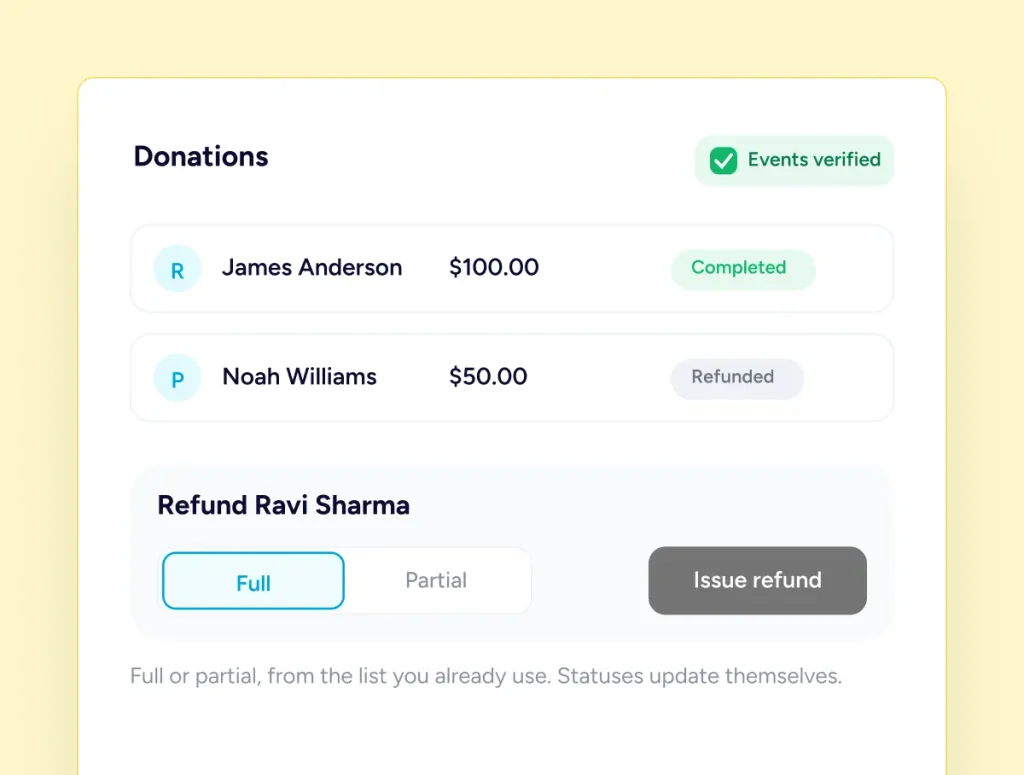
Refund a donation in full or in part from your donations list, and the request goes to whichever gateway took it. Incoming events are verified before they are trusted, so a completed, failed or refunded gift updates its own record with nobody retyping anything.
The Money Goes Straight To Your Account
Donations go directly to your connected Stripe or PayPal account. SureDonation never holds your funds or takes a cut.
Three Screens, In The Order You Meet Them
Nothing here needs a developer, and none of it has to be right the first time.
Connect A Gateway
Open the payments screen and connect Stripe, PayPal or both. Offline giving is a single toggle.
Try It In Test Mode
Send one donation to yourself the whole way through, and watch it appear in your list.
Switch To Live
Change the site mode when you are ready. Your toolbar keeps showing which one you are in.
In the payment settings
Everything The Payments Screen Controls
One place for the money side, whichever way your donors choose to give.
One currency, thirty-nine choices
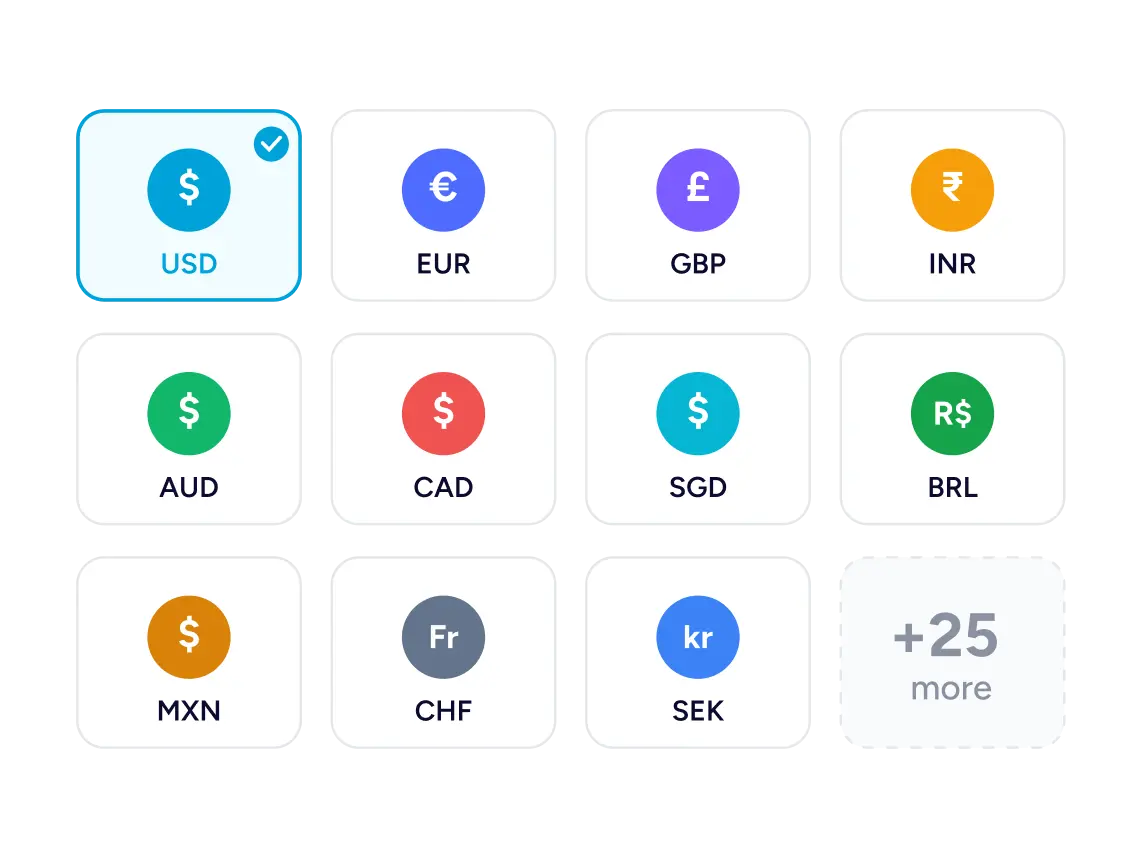
Pick The Currency Your Cause Works In
Thirty-nine currencies are available and you choose one for the site, so every form, receipt and report speaks the same units. The symbol sits where your region writes it, on the donor’s form and in your own dashboard alike.
Test And Live Modes
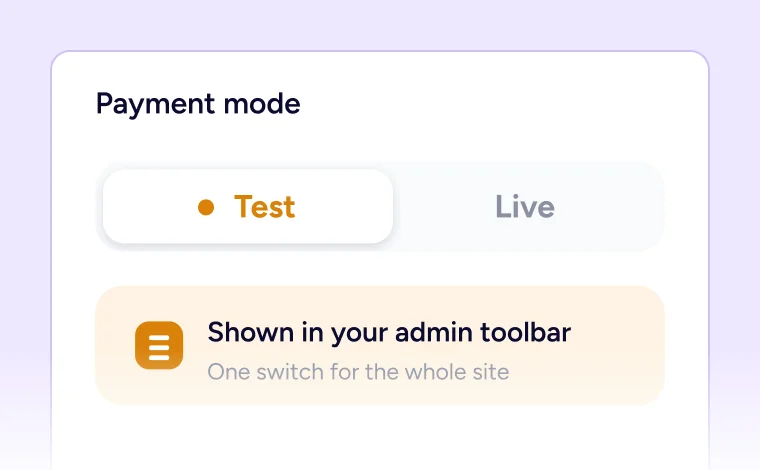
One switch for the whole site, with the current mode shown in your admin toolbar.
More Than One Stripe Account
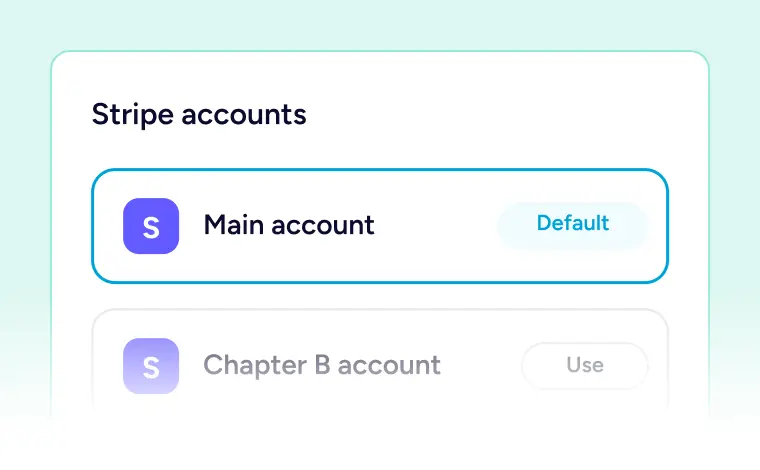
Connect several, set a default, and pick which one a given form charges to.
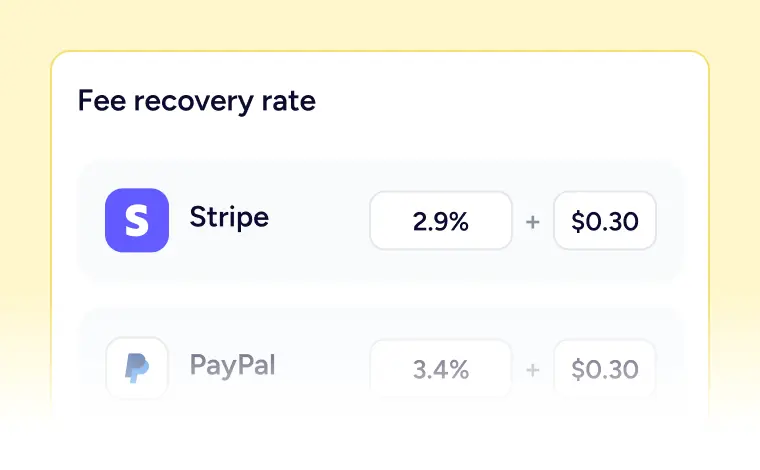
Rates Per Gateway
Give Stripe and PayPal their own recovery percentages and fixed amounts.
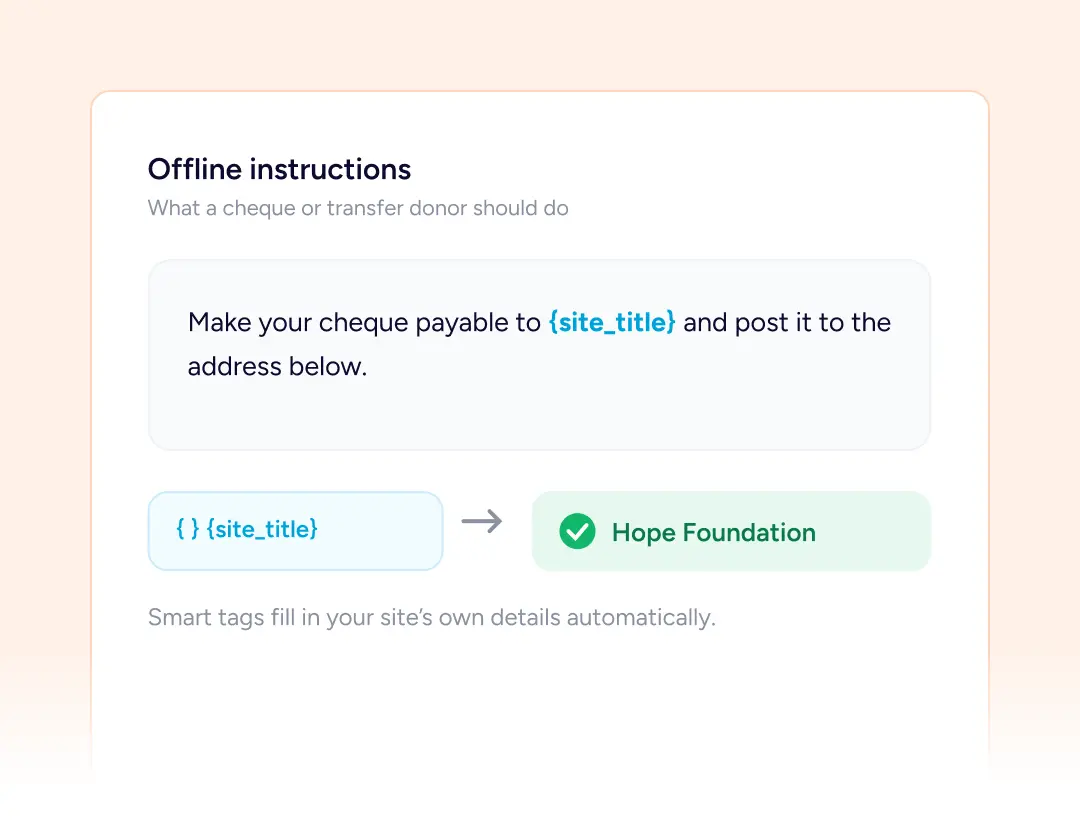
Written Instructions
Say what a cheque or transfer donor should do, with your site name filled in.
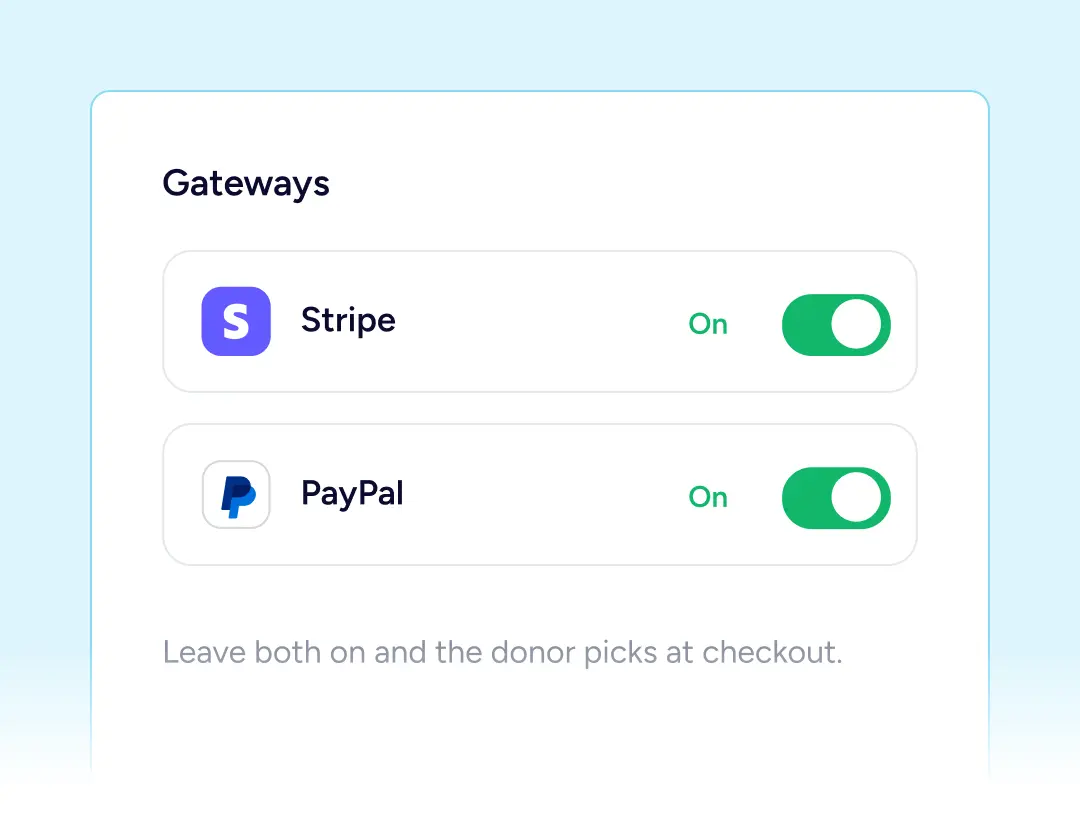
Both Gateways At Once
Leave Stripe and PayPal switched on together, and let the donor pick between them.
Away from the checkout
Not Every Gift Arrives Online
Some supporters still post a cheque or move money at the bank, and that should count the same.
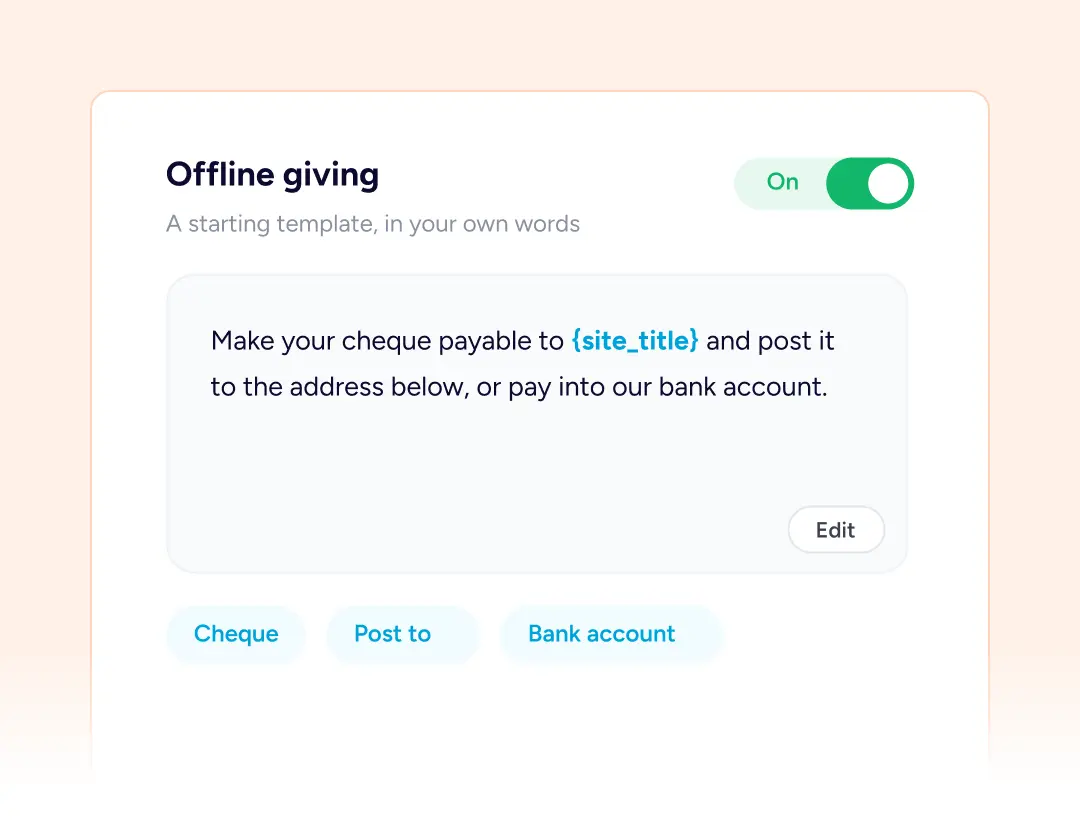
Your Own Wording
Switch offline giving on and a starting template appears with your site name already filled in. Rewrite it to say how you want a cheque made out, where to post it, or which account to pay into.
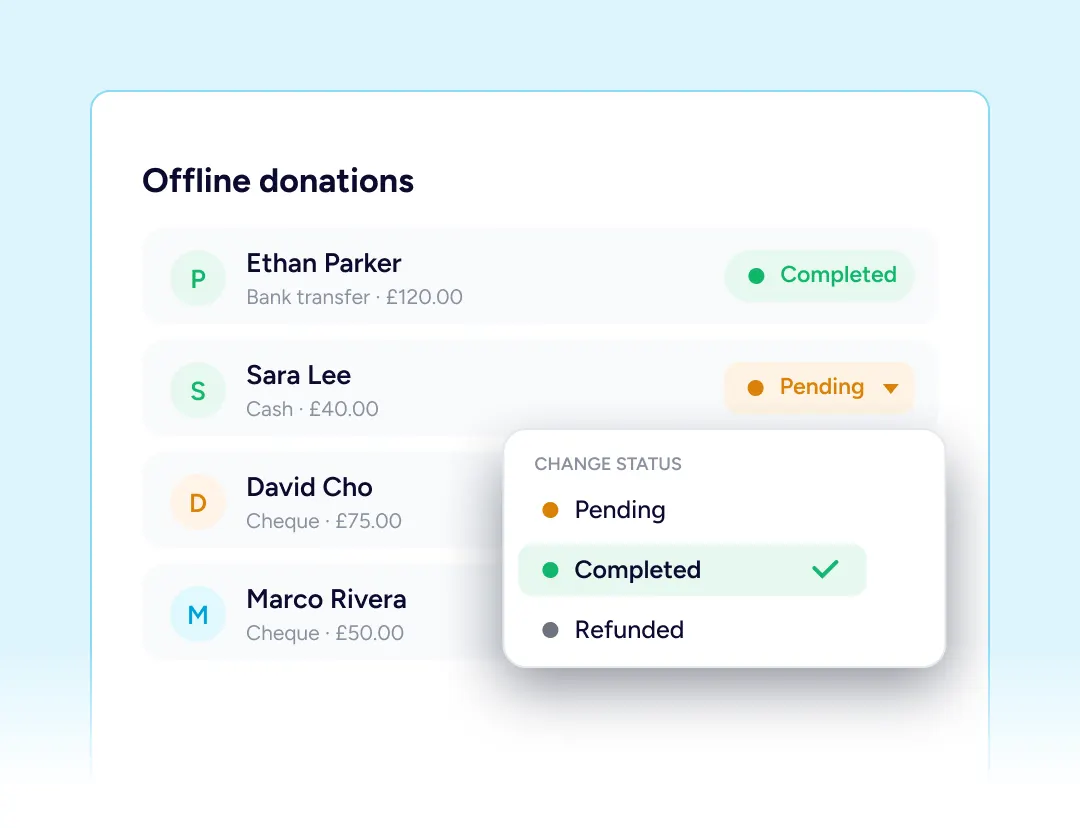
Completed When It Lands
The gift waits in your list until the money actually turns up. Mark it complete yourself and it counts toward the campaign total from that moment, exactly as a card donation would.
Built For Every Type Of Fundraising Organization

NGOs & Nonprofits
Card gifts online and cheques in the post, both landing in one donation list.

Churches
A plate collection recorded by hand beside the regular online giving.

Educational Institutions
Alumni abroad pay by card, while local families often prefer a transfer.

Medical Fundraisers
Speed matters, so offer the processor a worried donor already trusts.

Animal Welfare Organizations
Fee recovery keeps more of a small gift with the animals it was meant for.

Creators and Developers
One Stripe account you already own, connected in a couple of minutes.
Things you may want to know
Stripe, PayPal, and offline giving for money that reaches you another way. Both processors can run at once, so the donor chooses which one to use.
No. Stripe, PayPal, offline giving, test mode, refunds and fee recovery are all free. Pro adds the recurring options on both processors.
No. Money goes to the processor account you linked, on the terms you agreed with that company. It is never held by us and no payout waits on us.
Whichever ones you have enabled inside your own Stripe dashboard. SureDonation asks Stripe what to display, so the choice fits your account and the donor.
Yes. A checkbox adds a percentage plus a fixed amount, set once for everything or separately for each processor, and the extra amount comes to you.
Yes. Leave it running indefinitely, or have it finish after a fixed number of payments, anything from a single one up to a hundred.
Yes. Issue the whole amount or a portion of it straight from the donation record, and the processor that took the money handles the rest.
Everything begins in test mode. Send practice gifts end to end, confirm they arrive in your list, then switch across. The toolbar always shows which.
No. They are created for you when you connect a processor, and every incoming event is verified before anything in your records may change.
No. One of thirty-nine is chosen for the whole site, and everything you and your donors see uses it. Nobody is shown a converted price in their own.
Email [email protected] and we will point you in the right direction.