
Donor Dashboard
Supporters Who Can Answer Their Own Questions
A page on your site where donors sign in, keep their details current, look back over everything they have given, and adjust a regular gift themselves.
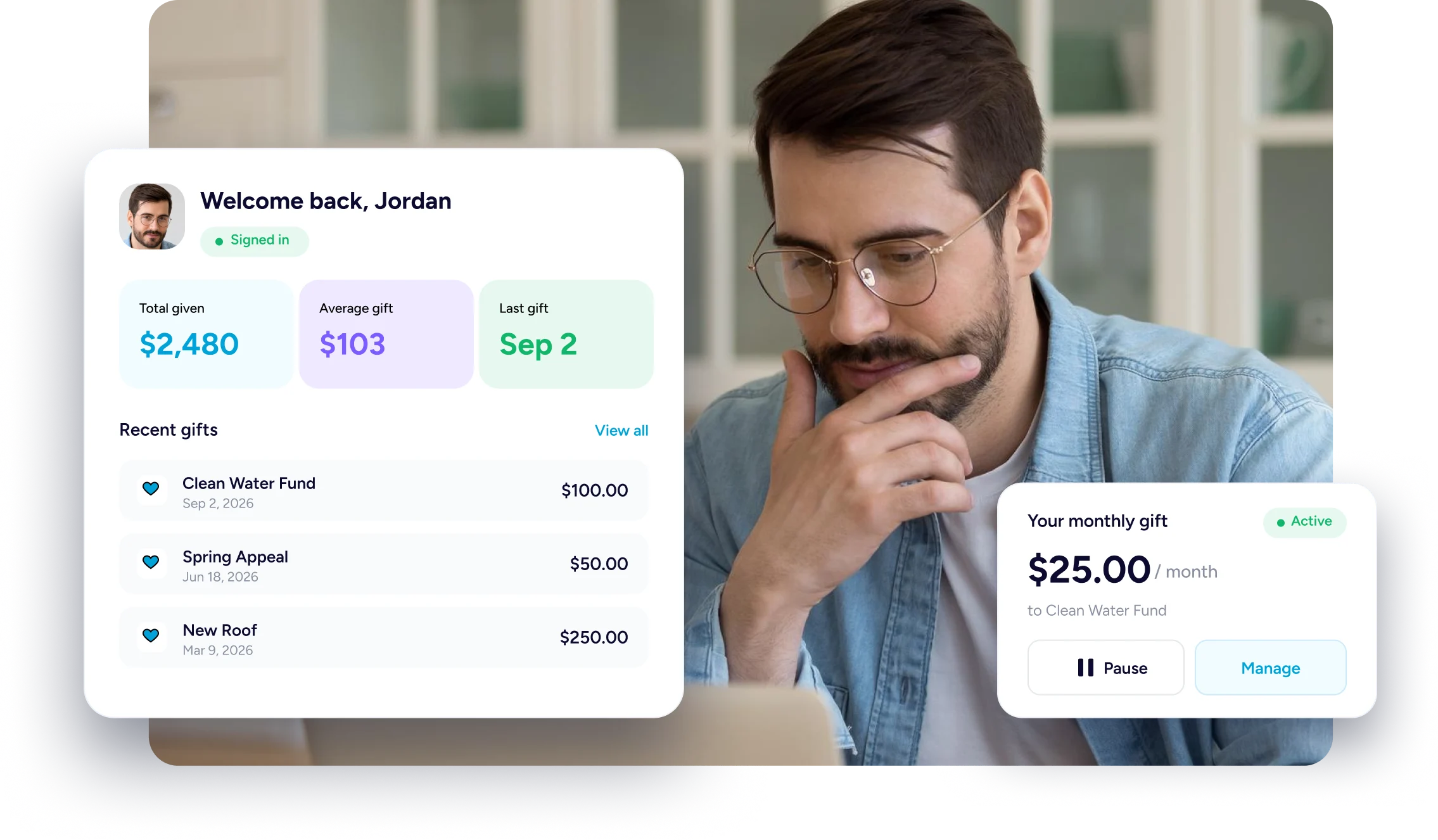
Let Supporters Look It Up Themselves
The questions donors send are about their own giving. This page lets them look it up.
No Password To Invent
Giving once never made them an account, so asking for a password makes no sense.
Their Answers In One Place
What they gave, when they gave it, and which appeal it went to, all in one place.
Changes They Can Make
An expired card or an amount that needs lowering no longer has to come through you.
What A Donor Can Do
Four Things A Supporter Can Settle Alone
Getting in, keeping details current, reading their own history, and adjusting a gift that repeats.
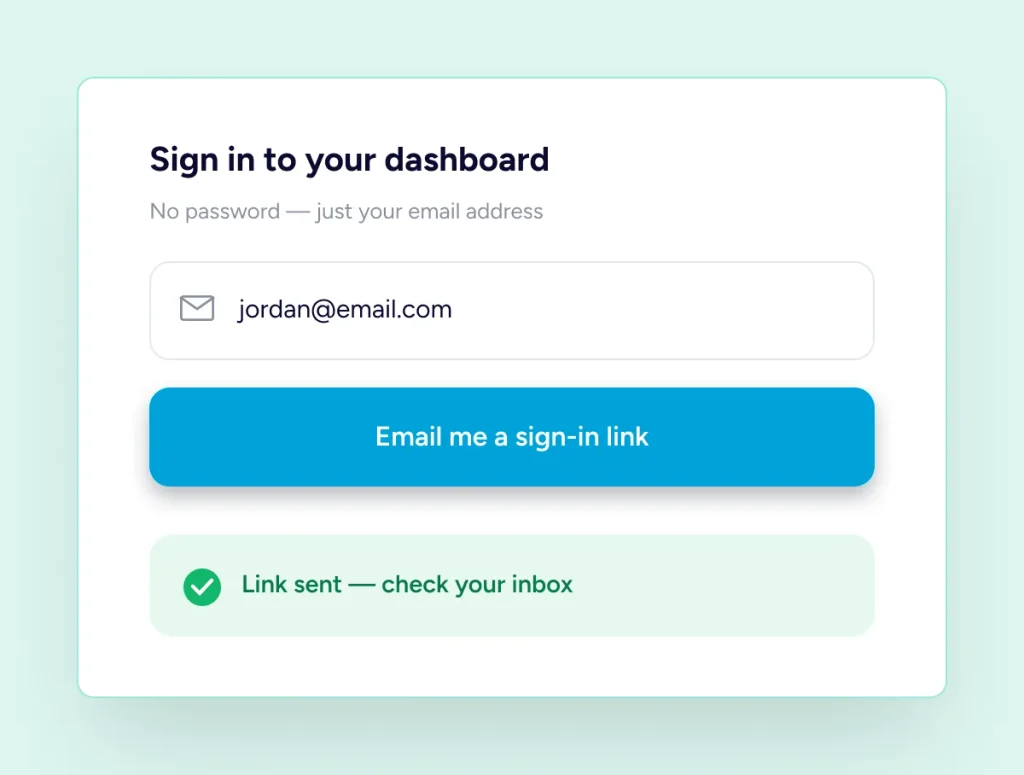
Getting In
A Link In Their Inbox, Not A Password
A donor types an email address and a one-time link arrives. Opening it starts a session lasting twenty-four hours, and the link stops working fifteen minutes after it was sent. Anyone already holding a WordPress login on your site may sign in that way instead.
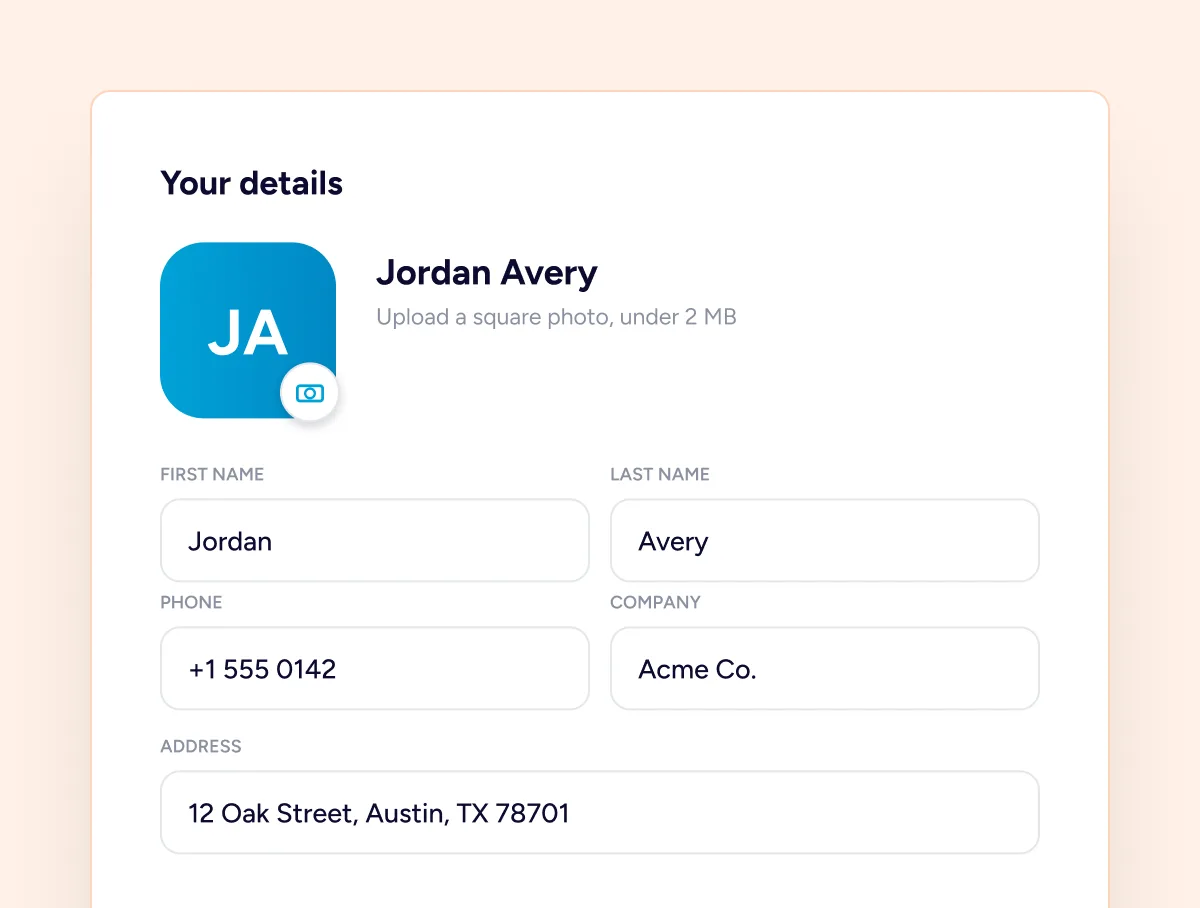
Their Own Details
Corrections They Make Themselves
First and last name, phone, company and postal address are all theirs to correct, along with a photo they upload themselves, cropped square and kept under a couple of megabytes. Changing the email address works a little differently, and is covered further on.
Everything They Gave
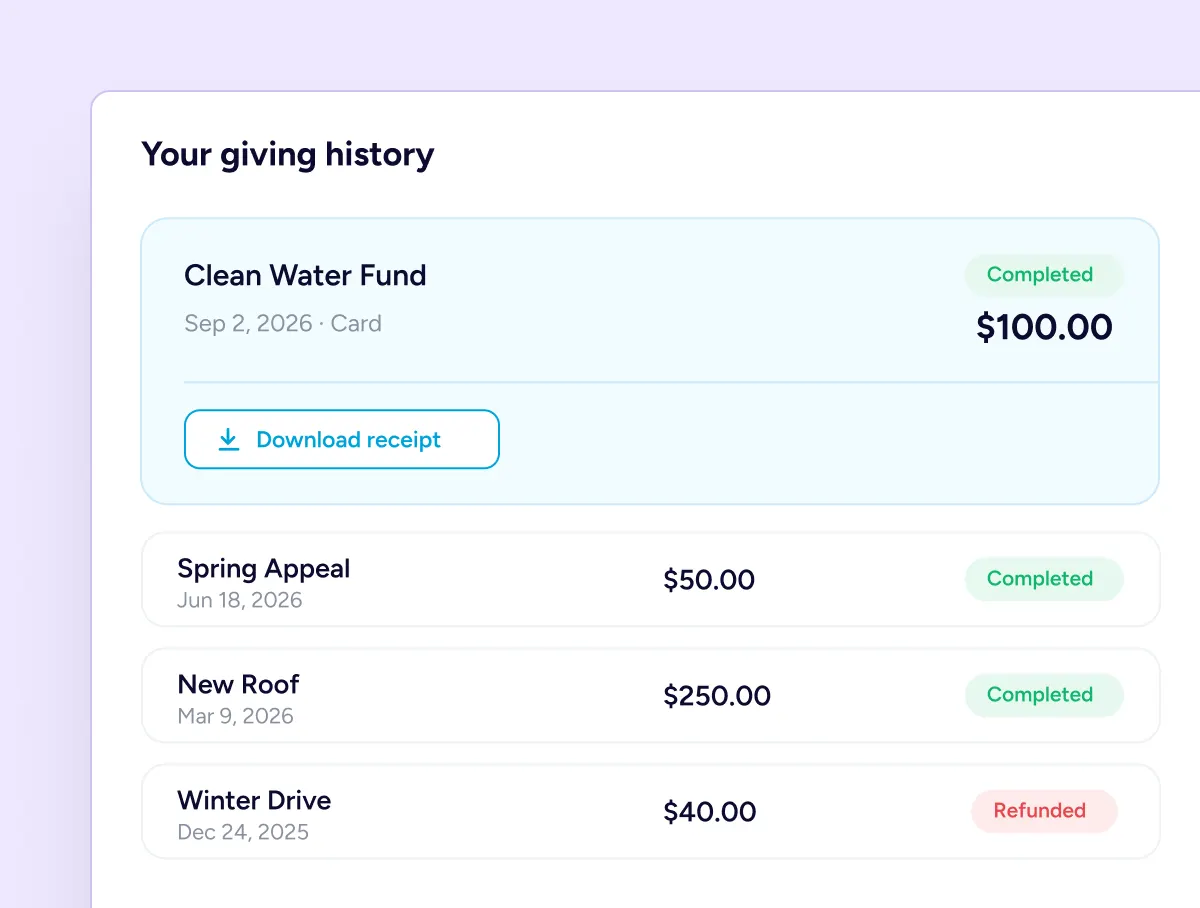
A Giving History They Can Read
Every gift a supporter has made is listed with the campaign it went to, the amount, the date, the payment method and where it got to. Selecting any single entry expands it, and the receipt for that gift can be saved again from there.
Gifts That Repeat
The Controls Sit With The Donor
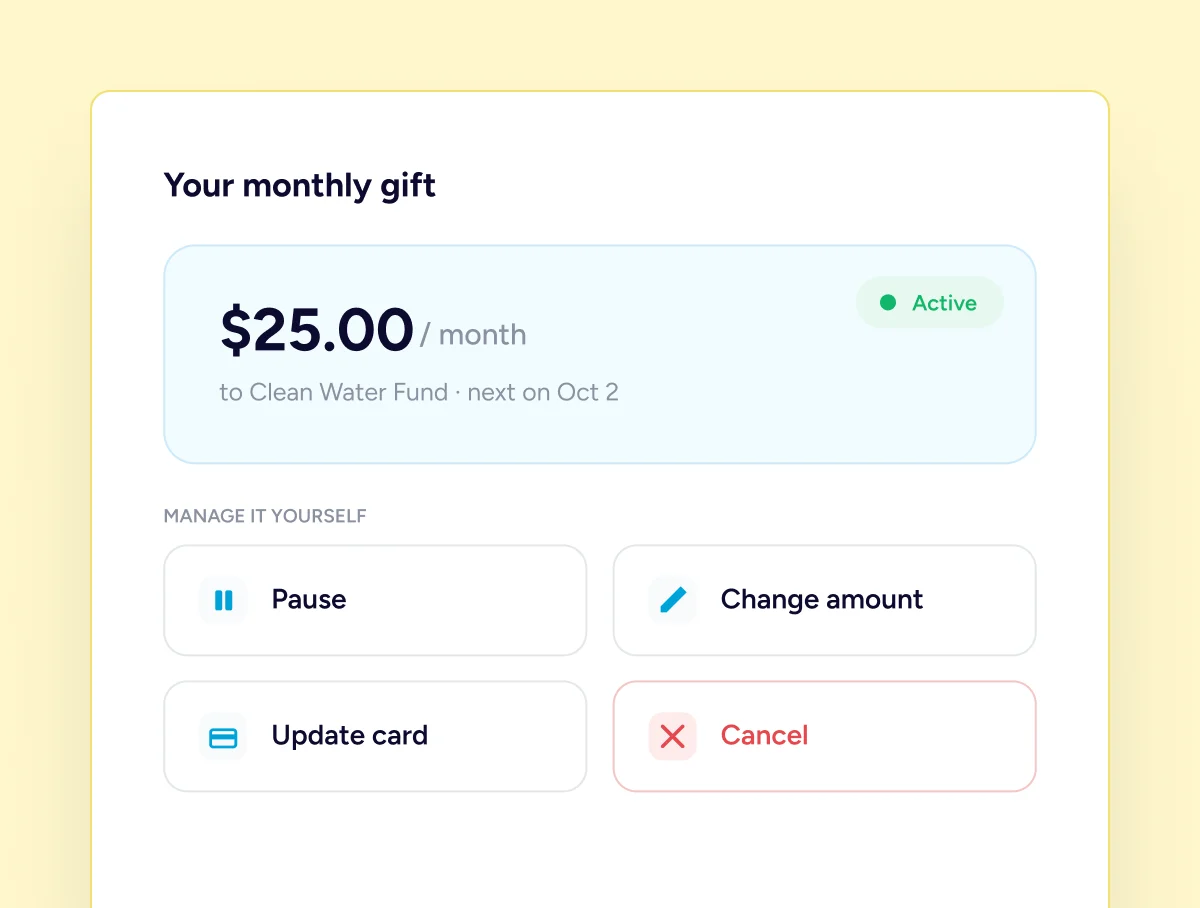
Where a gift repeats, the supporter holds the controls. They can pause it for a while and start it again, cancel it outright, raise or lower the amount, and replace the card on file when the old one expires, all without writing to you first.
It Lives On Your Site, Not On Ours
The dashboard is an ordinary page in your WordPress install, built from your own donor records. Nobody is sent to another company to look up what they gave, and no supporter list leaves your database for this to work.
It Is Already There When Pro Activates
One page appears, and the rest is a donor typing an email address.
The Page Creates Itself
Activating Pro publishes a dashboard page for you, with the shortcode already placed on it.
Point Donors At It
Link it from your menu, a receipt, or a thank-you message. Anywhere a supporter will look.
They Take It From There
A donor enters an email address, opens the link that arrives, and everything is waiting.
Keeping It Shut
Built So A Stranger Cannot Walk In
A donor record holds a name, an address and a giving history, so the way in matters.
How The Link Behaves
One Link, One Use, Fifteen Minutes
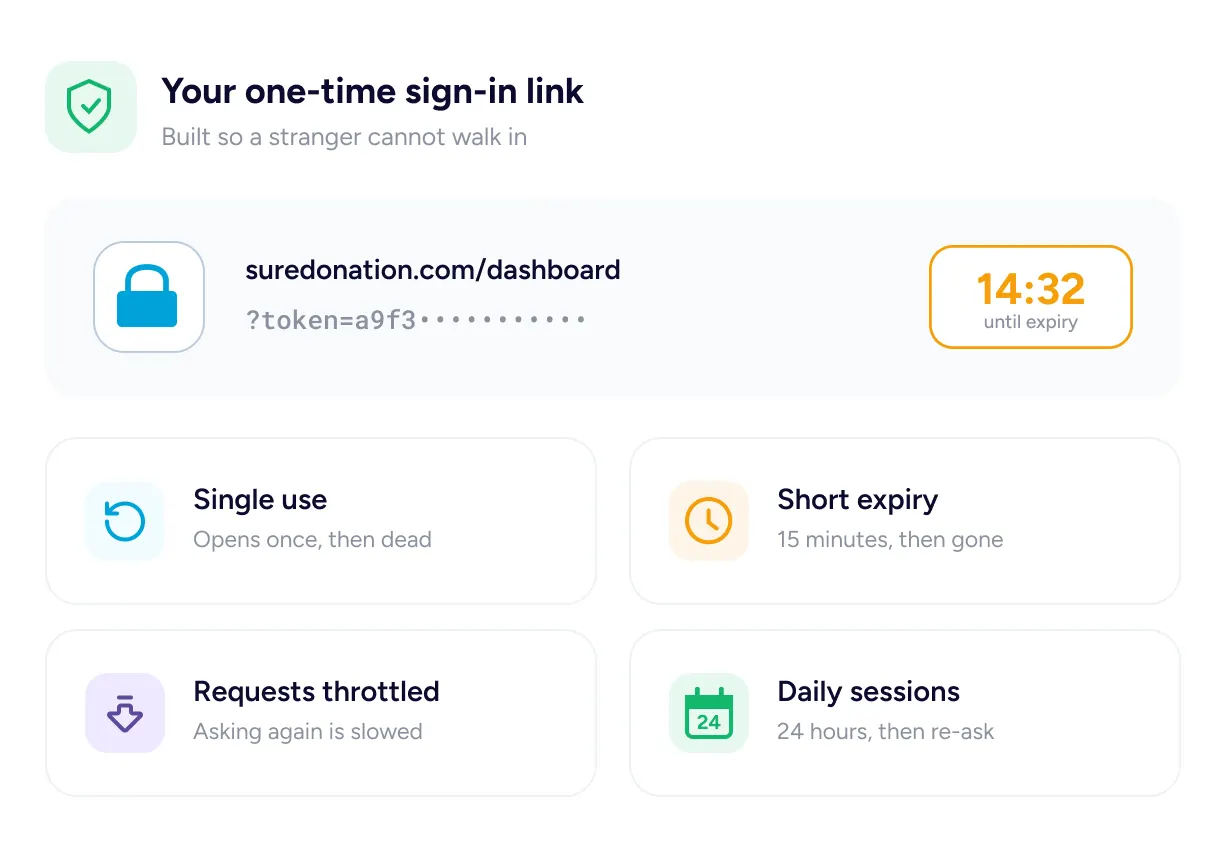
Sign-in links work once and stop working fifteen minutes after they are sent. The link is never stored on your server in a form anyone could reuse, repeated requests for one address are slowed down, and a session lasts a day before it asks again.
Single use · Short expiry · Throttled requests · Daily sessions
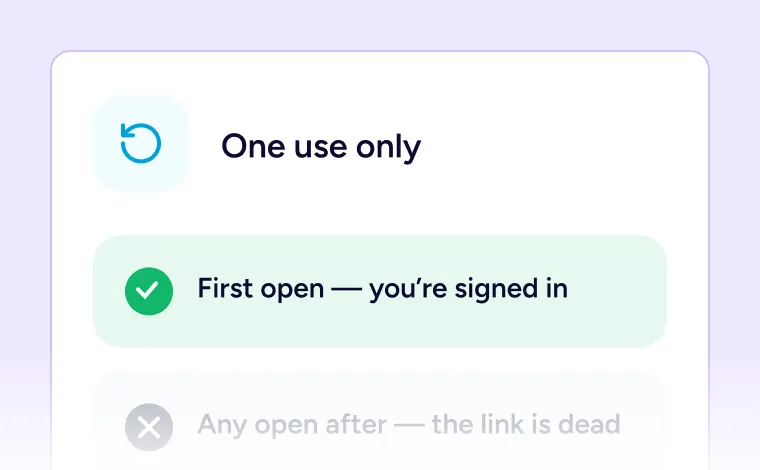
One Use Only
A link stops working the moment it has been opened once.
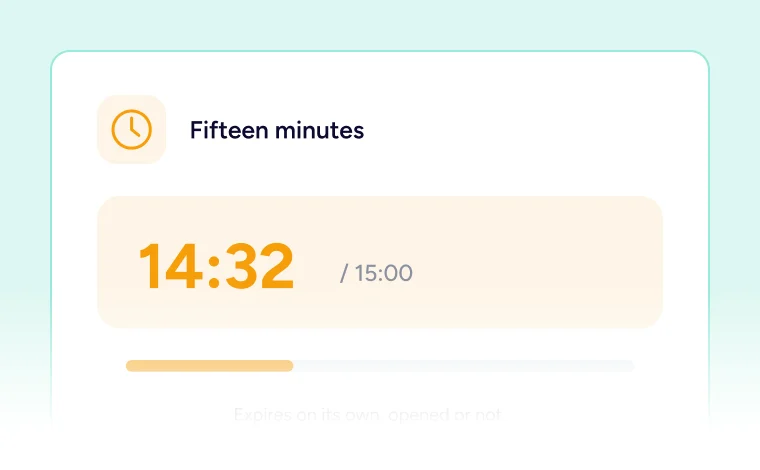
Fifteen Minutes
The link expires on its own whether anybody opened it or not.
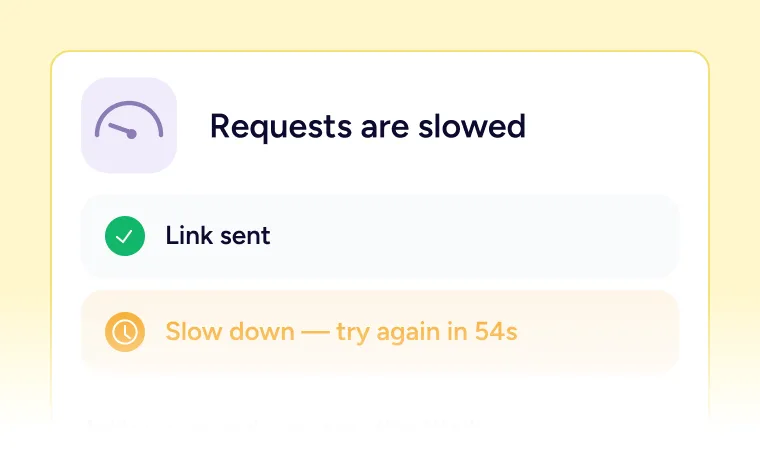
Requests Are Slowed
Asking repeatedly for links gets throttled rather than served.
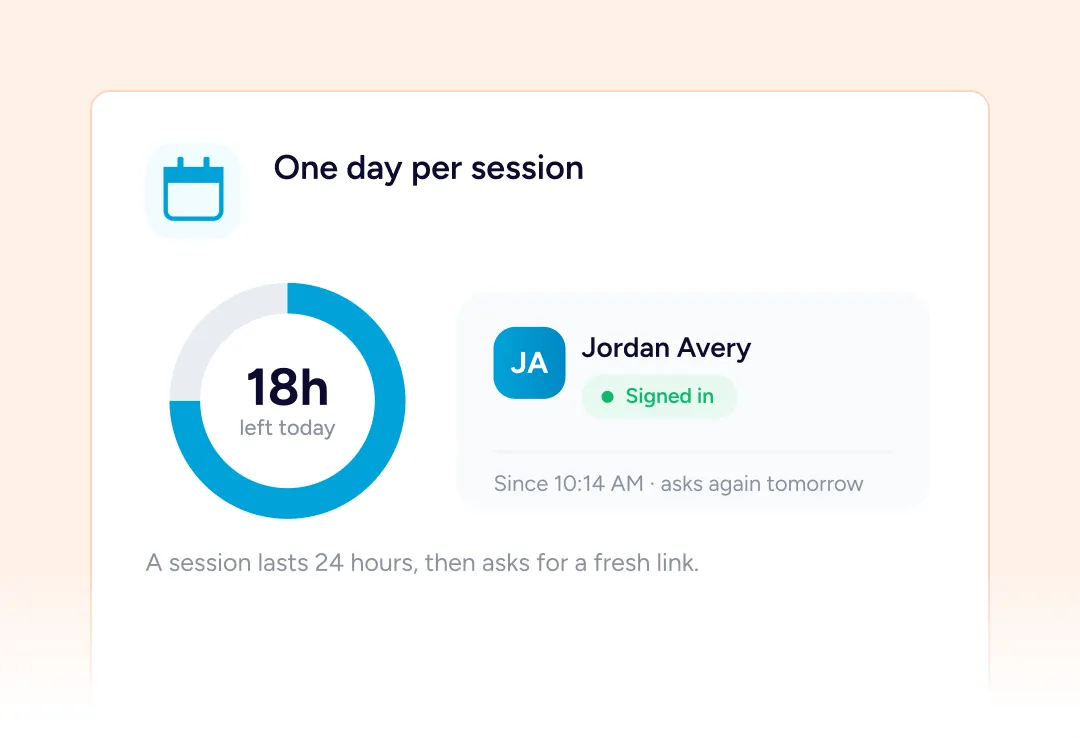
One Day Per Session
Sessions last twenty-four hours and then ask for a fresh link.
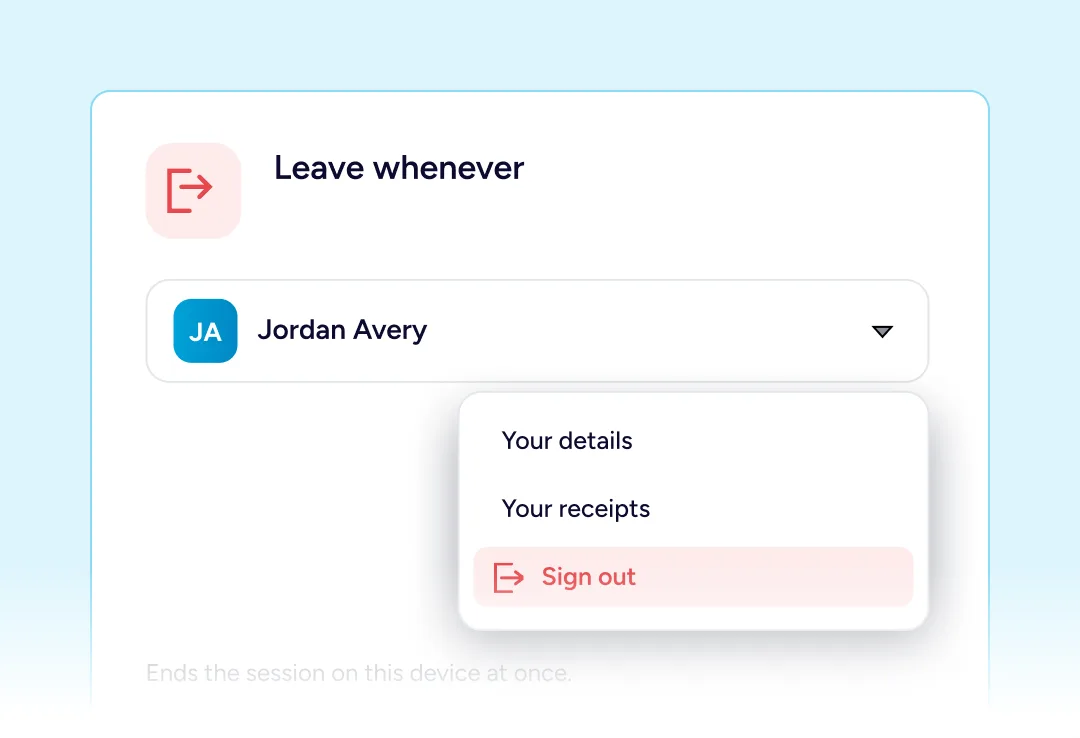
Leave Whenever
Signing out ends it immediately, on a shared computer.
Their Own Numbers, Not Yours
Three figures at the top of the dashboard, counted from the gifts that supporter has actually made.
Donation Total
Everything they have given you, added up across every campaign.
Average Donation
What a typical gift from them looks like, across all of them.
Last Donation Date
When they last gave, which is often the thing they came to check.
Changing The Sensitive Things
The Two Changes That Need Care
Two places where getting it wrong would matter, handled properly.
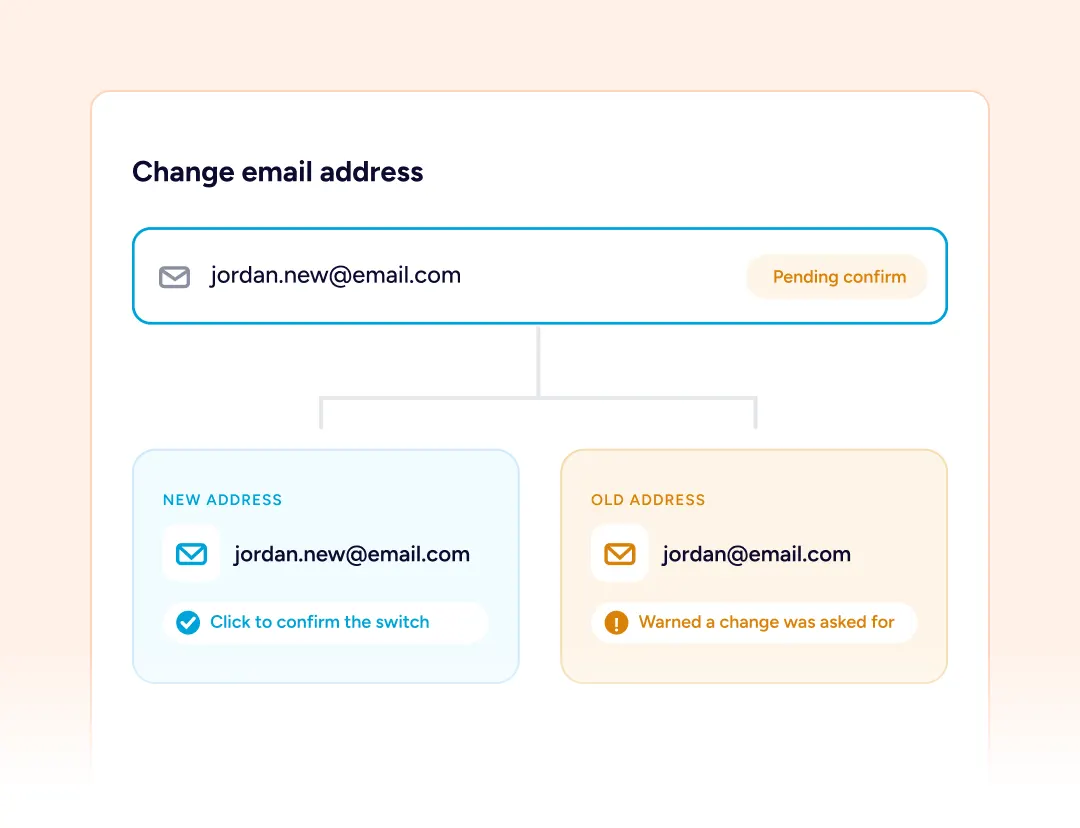
An Email Change Tells Both
The new address has to confirm before anything moves, and the old address is warned a request exists so a quiet takeover is not possible.
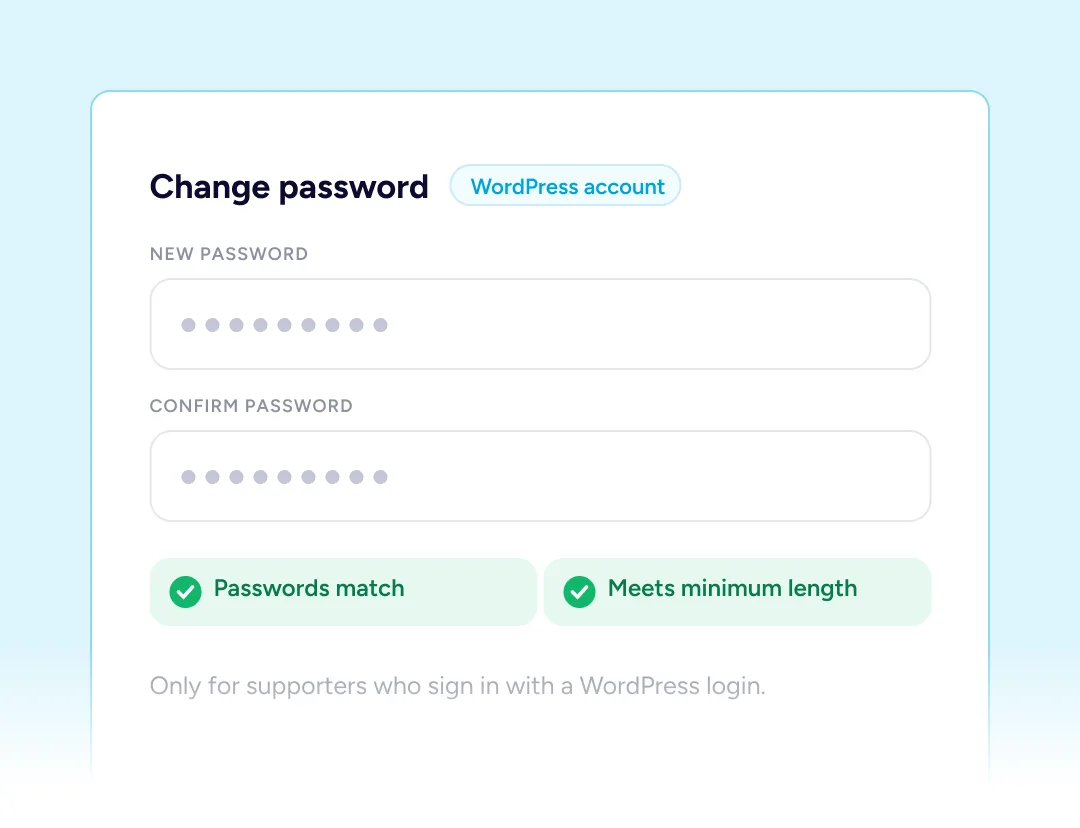
Passwords Where They Apply
Supporters who sign in with a WordPress account can change that password here, with a confirmation field and a minimum length enforced.
Built For Every Type Of Fundraising Organization

NGOs & Nonprofits
Year-end receipt requests answered before anybody opens the inbox.

Churches
A regular giver raises their monthly amount without a conversation.

Educational Institutions
Alumni update an address themselves when they move house.

Medical Fundraisers
Supporters check what they gave without intruding on the family.

Animal Welfare Organizations
An expired card gets replaced before the monthly gift fails.

Creators and Developers
Backers manage their own support and leave you to build.
Things you may want to know
No. An email address is all it takes. Those who happen to have a login already may use it, but it is never a requirement.
An email arrives carrying a single-use link. It gets them in for the rest of the day, and goes stale after fifteen minutes if nobody opens it.
Pro publishes one when it activates, with the shortcode already on it. Move it, rename it or place that shortcode on another page instead.
Name, phone, company, postal address, photo and email, plus the amount, the status and the card behind a repeating gift.
The new address must confirm before anything happens, and the old one is told a request was made, so a change cannot go through quietly.
Yes. Every entry in their history keeps its receipt, downloadable as a PDF as often as a supporter needs one.
Yes. Pausing and restarting it later, ending it altogether, or changing what it is worth are all theirs to do.
Signing out closes the session there and then, and left alone it would lapse by itself inside twenty-four hours anyway.
No, it arrives with Pro. Donor records, giving history and tags remain free on the admin side of things.
None at all. It reads the very same records your admin screens read, straight out of your own WordPress database.
Email [email protected] and we will point you in the right direction.