
Fundraising Reports & Analytics
Know What Worked Before You Giving Need
A reporting screen that reads your own donation records and tells you what came in, where it came from, and how it compares with the weeks before.
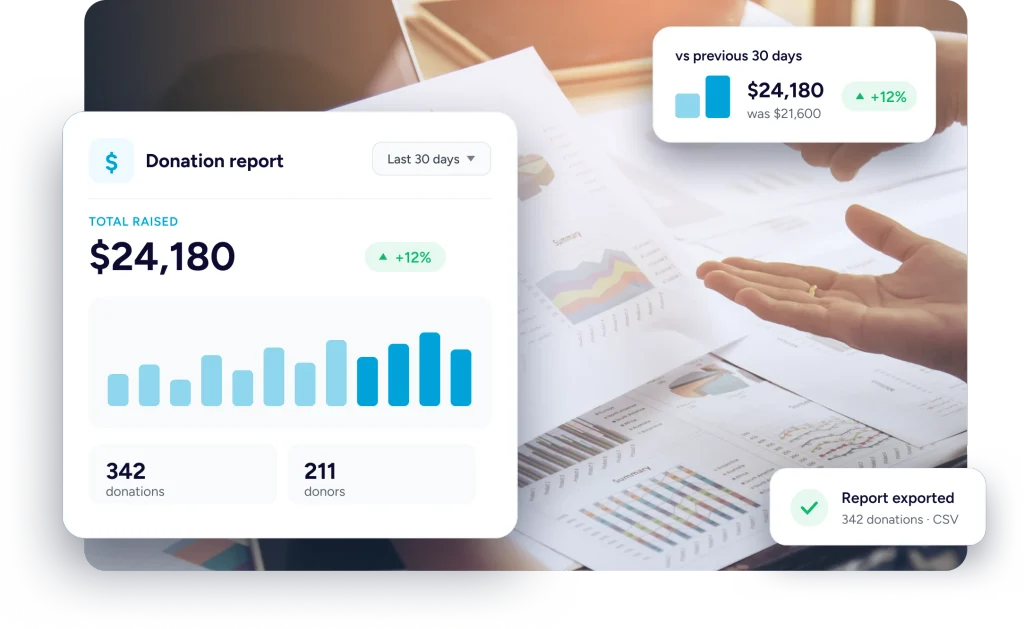
Numbers You Can Put In Front Of A Board
Everything here is counted from the donations themselves, so the figure on screen is the figure that happened.
Counted After Refunds
Anything handed back is taken off the total, so what you see is money you actually kept.
Completed Money Only
A pledge that never cleared does not inflate a figure it had no business touching.
Comparable To Last Time
Every headline figure arrives beside the same figure from the period before it.
On The Reporting Screen
What The Reporting Screen Gives You
Five figures at the top, a comparison against last time, four ways to break the period apart, and the rows underneath it all.
The Headline Figures
Five Numbers For Any Period You Pick
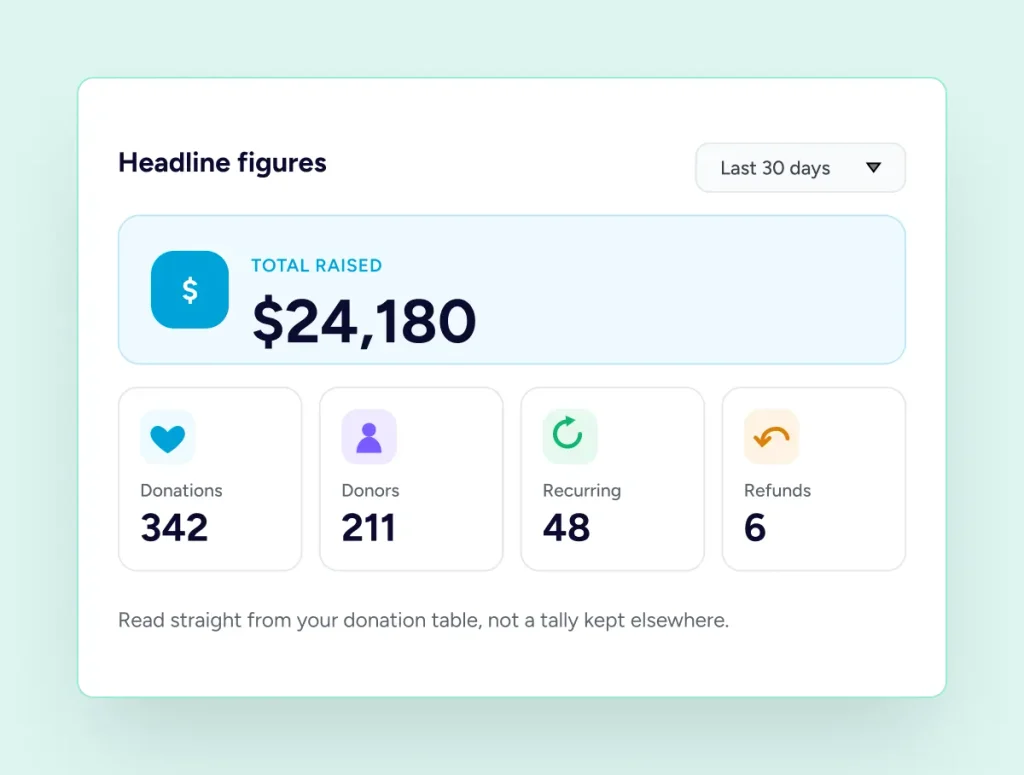
The top of the report carries five numbers for whatever period you have chosen. Total raised, how many donations made it up, how many separate people gave, how many of those gifts were recurring, and how many ended in a refund. They are read from your donation table, not from a running tally kept somewhere else.
Against Last Time
Each Figure Beside The One Before
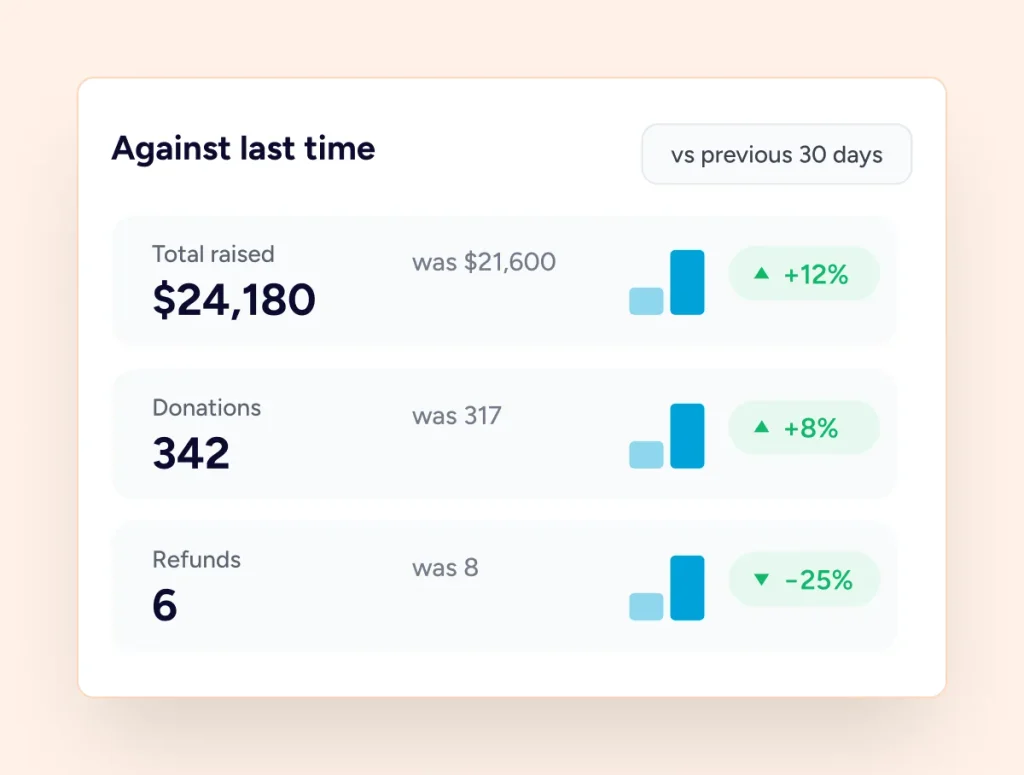
Beside each figure sits the same figure for the period immediately before, of the same length. Thirty days against the thirty days before them, a quarter against the previous quarter. You get the direction of travel without exporting anything or keeping a spreadsheet of last month’s screenshots.
Breaking It Apart
The Same Period, Cut Four Ways
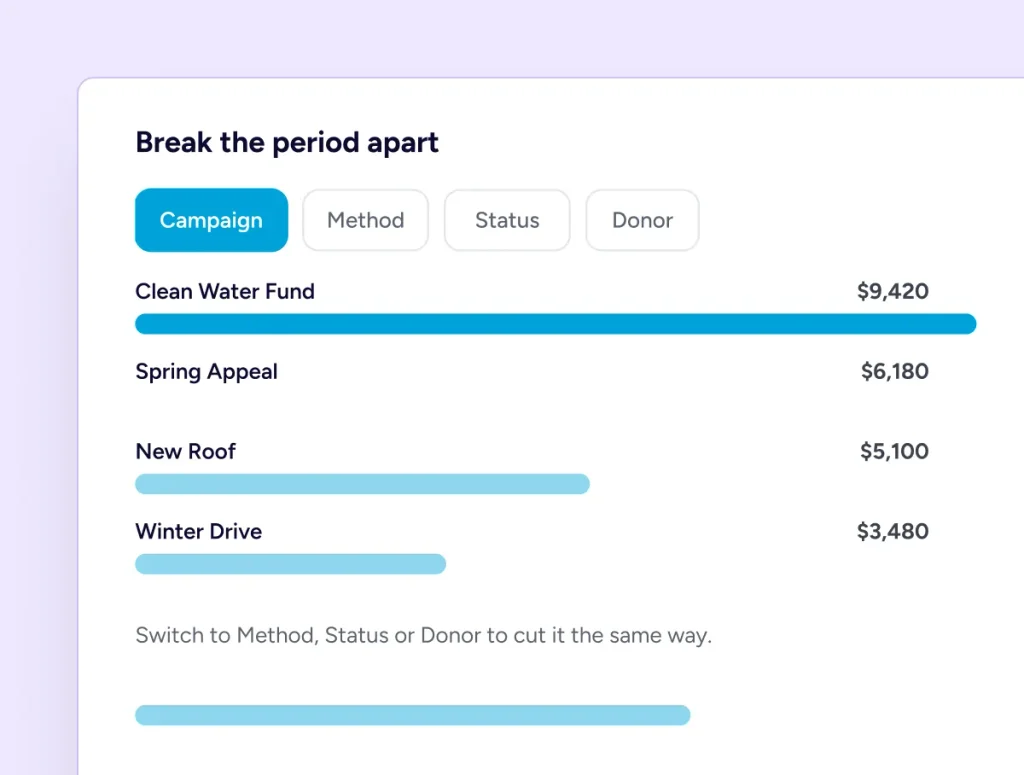
Below the headline numbers the same period is cut four ways. By campaign, so you can see which appeal carried the month. By payment method, so you know whether supporters reached for Stripe or PayPal. By status, which is where pending and failed attempts show up. And by donor, listing the people who gave the most.
The Rows Underneath
A Daily Shape, And The Detail Behind It
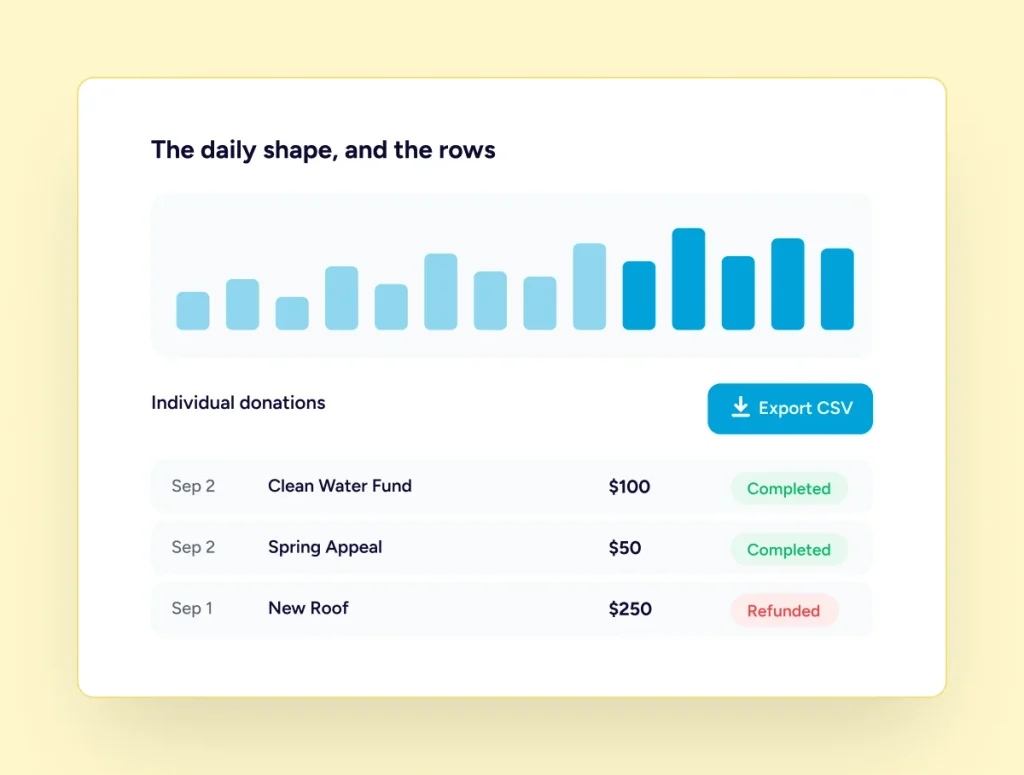
A daily chart plots the period so you can see the shape of it, the spikes and the quiet stretches. Underneath, the individual donations are there to export, carrying the date, campaign, donor, amount, fees covered, anything refunded, the gateway, the status and the transaction reference.
It Reads Your Database, Nothing Else
No analytics service is involved and no donation data is sent anywhere to be counted. The report queries the same table your donations list reads, inside your own WordPress install, every time you open it.
Three Steps To A Usable Report
All of it happens on one screen, and none of it needs setting up first.
Choose A Period
Pick the dates you care about. The comparison period is worked out for you.
Narrow It Down
Limit to one campaign, or one currency, and switch between amounts and counts.
Take It Away
Read it on screen, or export the donations behind it and work on them elsewhere.
Before you upgrade
What You Get Without Pro
The free plugin already keeps a dashboard. Pro adds the reporting screen on top of it.
The free dashboard
Six Figures And A Chart, At No Cost
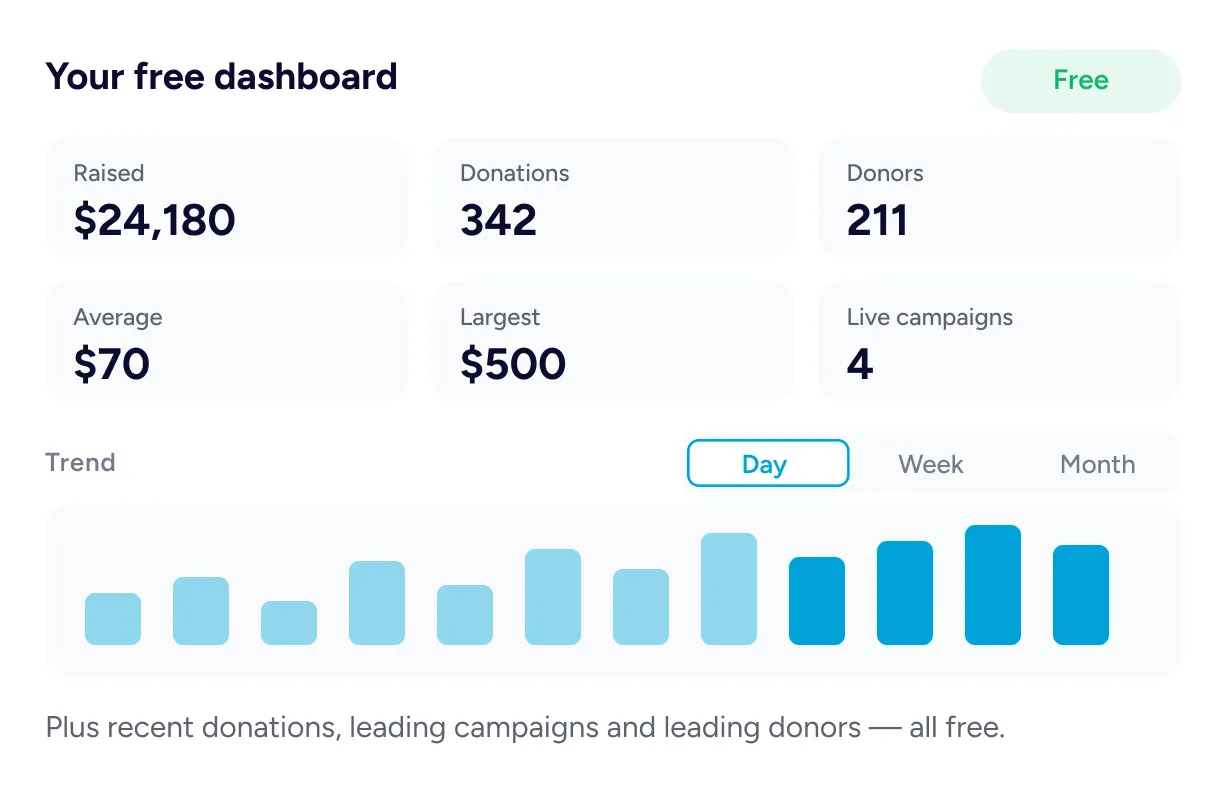
The free dashboard opens on six figures covering your whole site, with a trend chart beneath that can be grouped by day, week or month over any range you pick. Recent donations, leading campaigns and leading donors each have their own panel on the same screen.
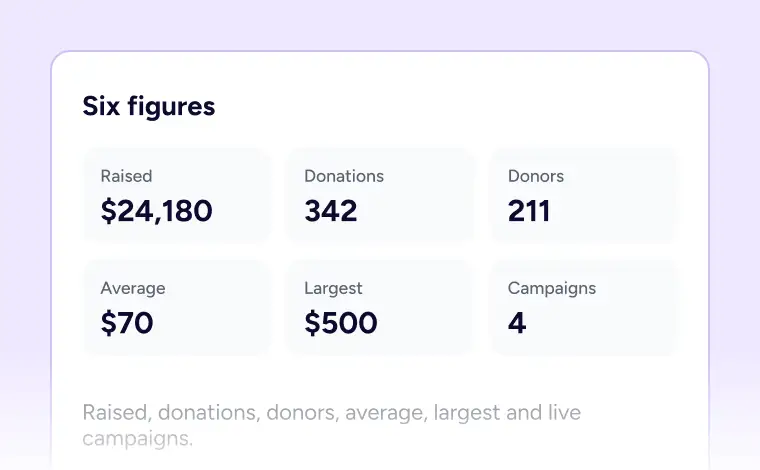
Six Headline Figures
Raised, donations, donors, average, largest and live campaigns.
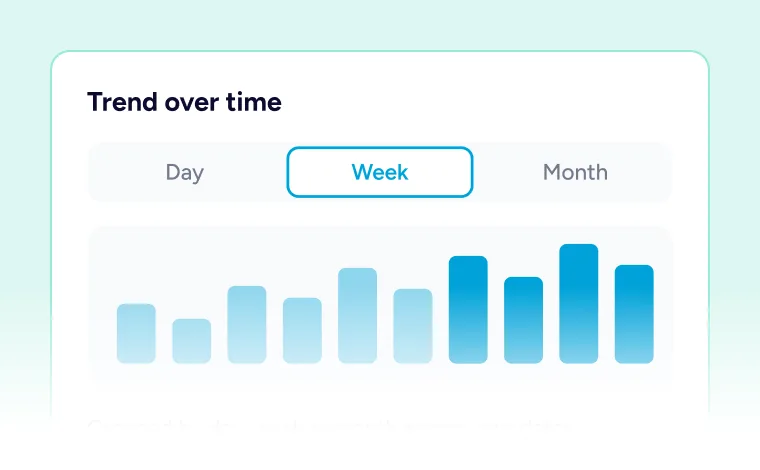
A Trend Chart
Grouped by day, by week or by month across your chosen dates.
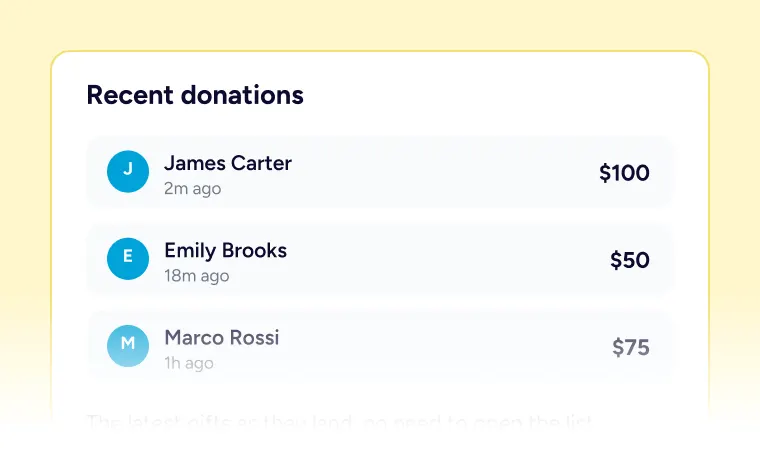
Recent Donations
Set any field to half, third or quarter width to lay fields side by side.
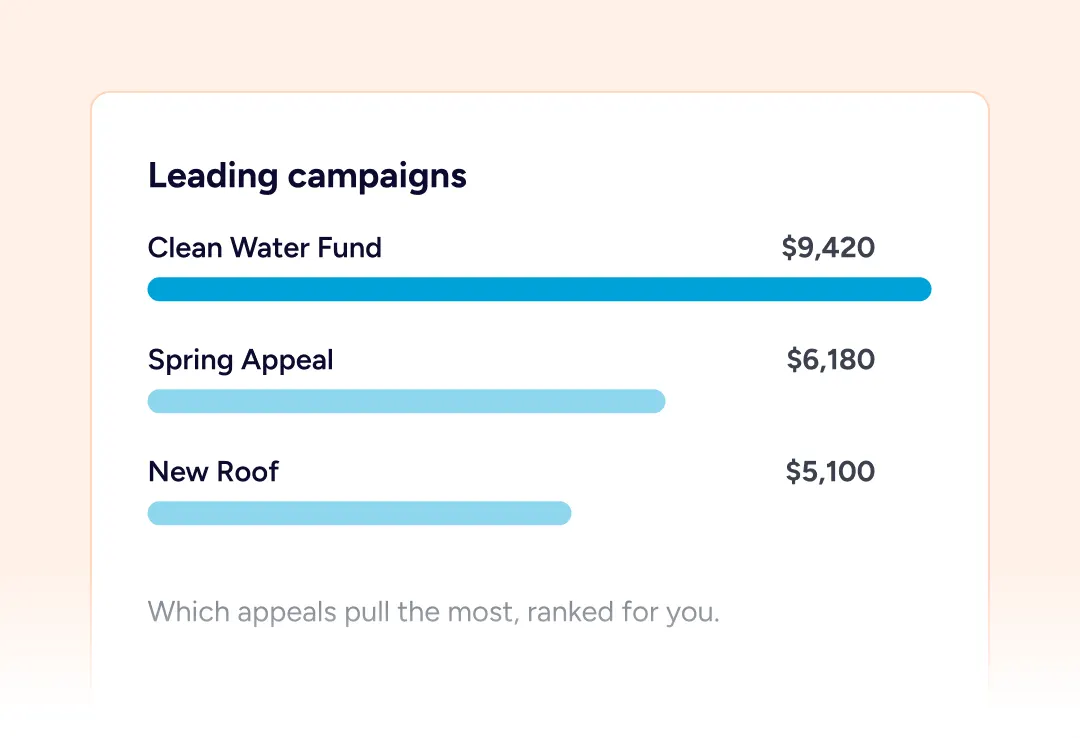
Leading Campaigns
Which appeals are pulling the most, ranked on the dashboard.
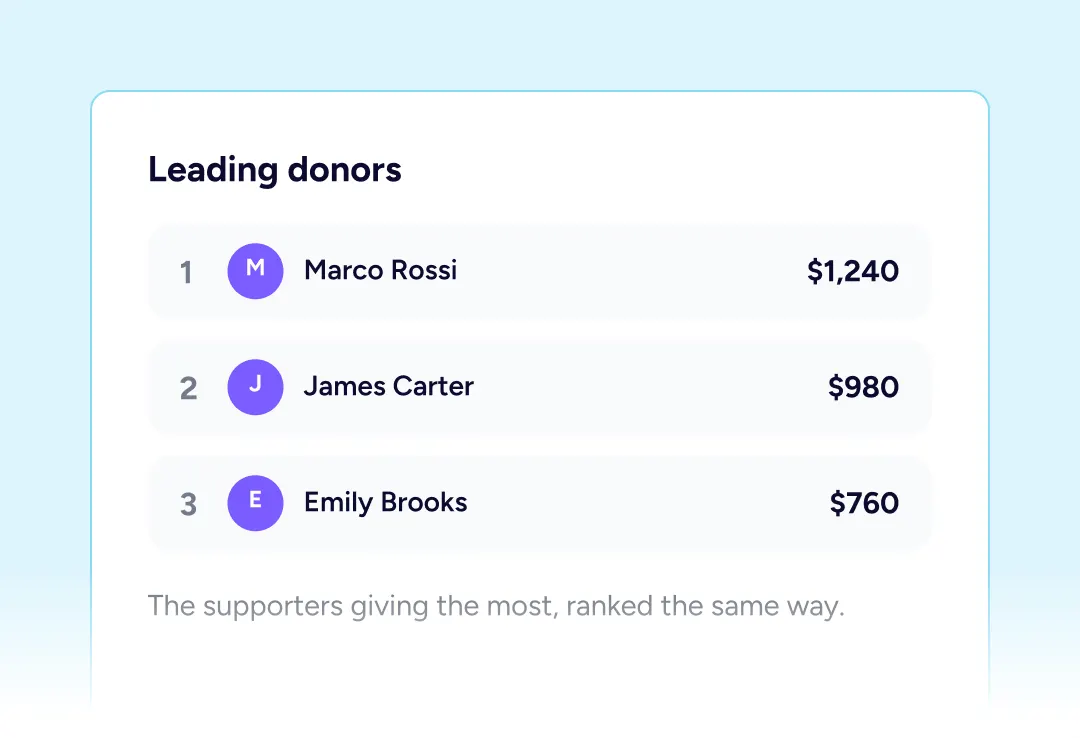
Leading Donors
The supporters giving the most, ranked the same way.
Four Ways To Cut A Period
The same donations, grouped differently depending on what you are trying to settle.
By Campaign
Which appeal raised what, with its own donor count beside it.
By Payment Method
How the money split between Stripe, PayPal and offline.
By Status
Completed, pending, failed and refunded, counted side by side.
By Donor
The supporters who gave most across the period you chose.
Keeping it honest
Two Things That Keep It Honest
Reporting is only worth having if the numbers survive scrutiny.
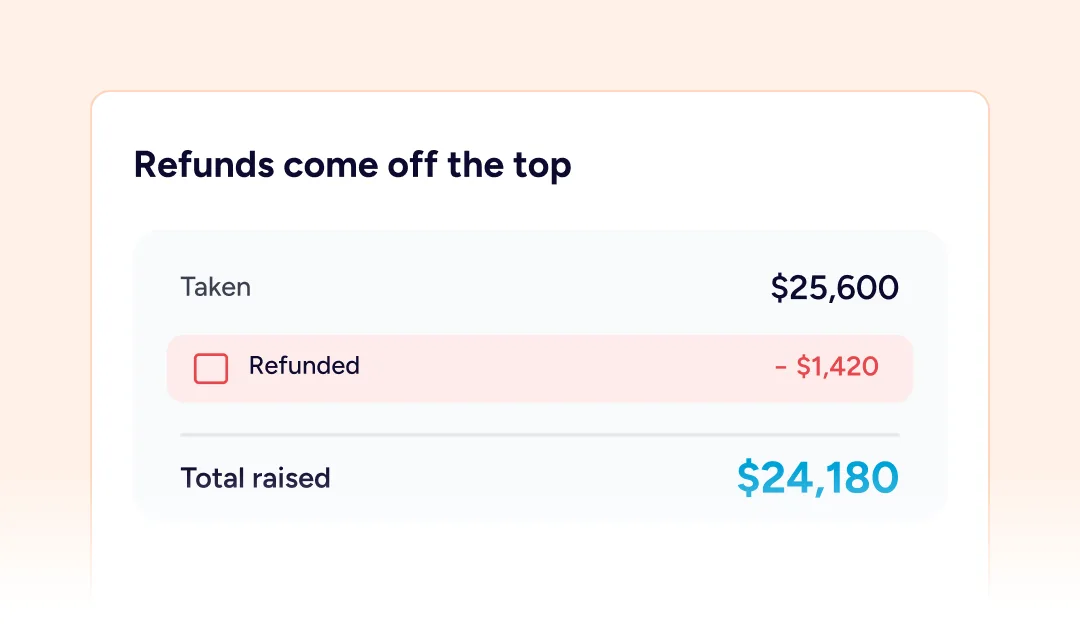
Refunds Come Off The Top
Totals are calculated as the amount taken minus anything refunded, so a month with returns reads lower, exactly as it should.
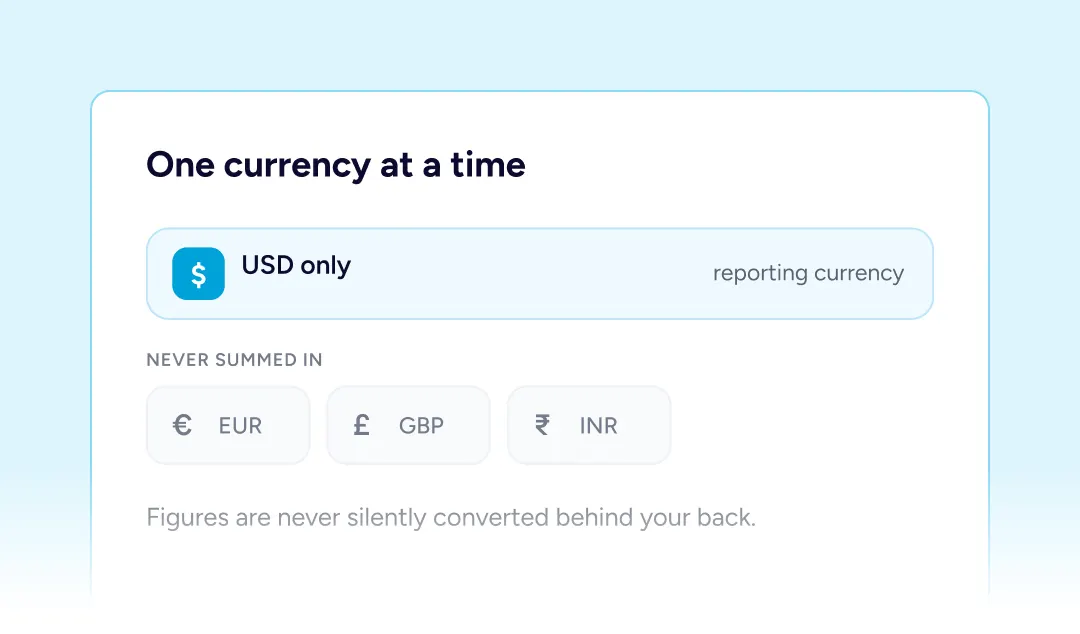
One Currency At A Time
Figures are filtered to a single currency rather than adding different ones together, so nothing is silently converted behind your back.
Built For Every Type Of Fundraising Organization

NGOs & Nonprofits
A quarterly figure for trustees that came from the donations themselves.

Churches
Seeing whether giving held up over a quiet summer, week by week.

Educational Institutions
Comparing this year’s alumni appeal against the one before it.

Medical Fundraisers
Watching the daily shape of a campaign while it is still running.

Animal Welfare Organizations
Knowing which appeal pulled hardest before planning the next one.

Creators and Developers
A monthly export that goes straight to whoever does your books.
Things you may want to know
The dashboard with its figures and trend chart is free. The reporting screen, its comparisons and the export arrive with Pro.
Your own donation records, queried afresh every time you open the screen. No outside analytics service ever sees them.
They are subtracted. A total is the amount taken less anything handed back, so returns pull the figure down.
Not towards the money figures. They appear in the status breakdown so you can see them, without inflating a total.
Any range of dates you choose, and the matching period before it is worked out automatically for comparison.
They are subtracted. A total is the amount taken less anything handed back, so returns pull the figure down.
Yes. Narrow the whole report to a single campaign, or leave it open and read the campaign breakdown instead.
Yes. Every donation behind the report exports as a row, right down to the gateway it used and its transaction reference.
It reports on a single currency at a time rather than mixing them, so figures are never summed across different ones.
Yes. Switch the report between amounts and the number of donations, and the breakdowns follow whichever you pick.
Email [email protected] and we will point you in the right direction.