
Donation Receipts & Email Notifications
Donors Hear Back Before You Reach Your Desk
Seven notifications arrive already written on every new form, so every outcome of a donation explains itself without you lifting a finger.
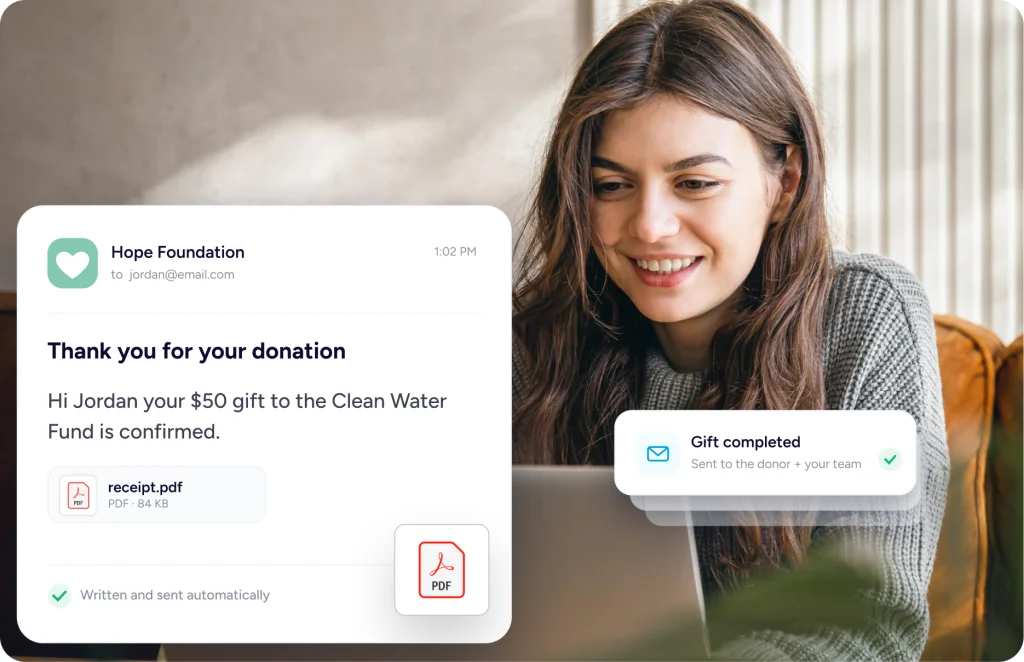
A Gift Should Never Go Unanswered
Completed, still clearing, declined or refunded – each ending a donation can have already has words waiting.
Nothing To Write First
The messages come finished on a new form, so you are not drafting anything before launch.
The Awkward Ones Too
If a card gets declined or a payment is slow to clear, the donor is told about that too.
Your Team Hears Too
New gifts, failures and refunds reach your inbox, so somebody knows before a donor asks.
Saying The Right Thing
Say The Right Thing At The Right Moment
What arrives by default, how a message fills itself in, who receives it, and what a donor sees on screen.
Out Of The Box
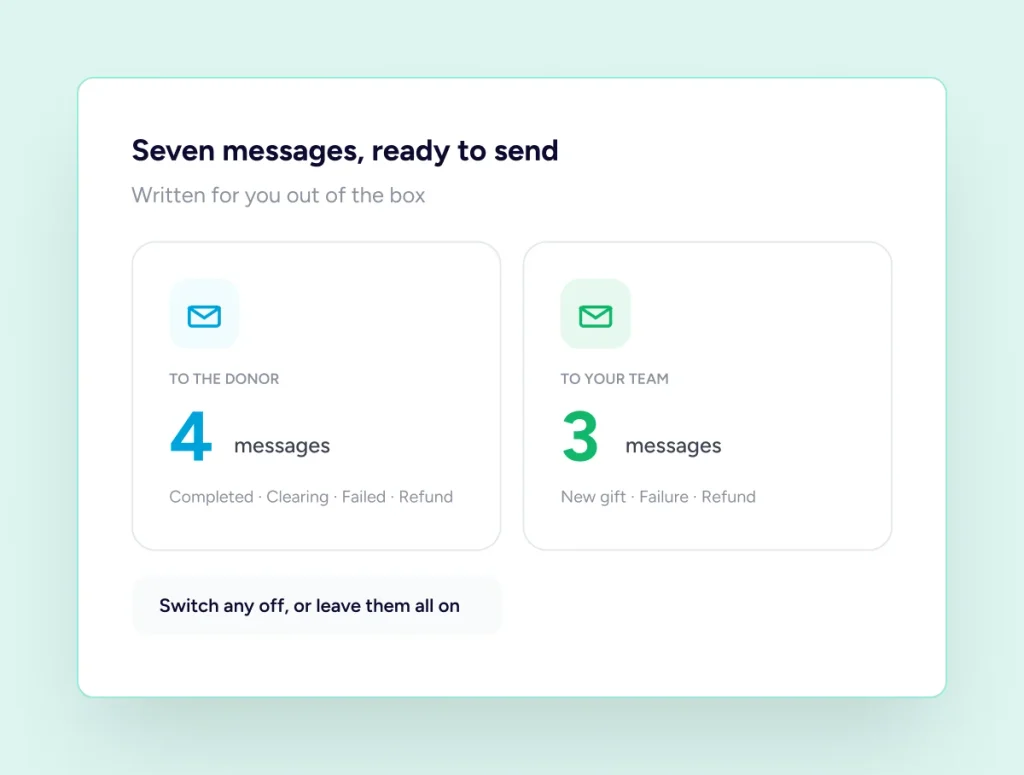
Seven Messages You Never Had To Write
A new form starts with seven notifications already written. Four reach the donor, covering a completed gift, a payment still clearing, a card that failed and money sent back. Three more land with your team for a new gift, a failure and a refund. Switch any of them off, or leave them be.
Filling In The Detail
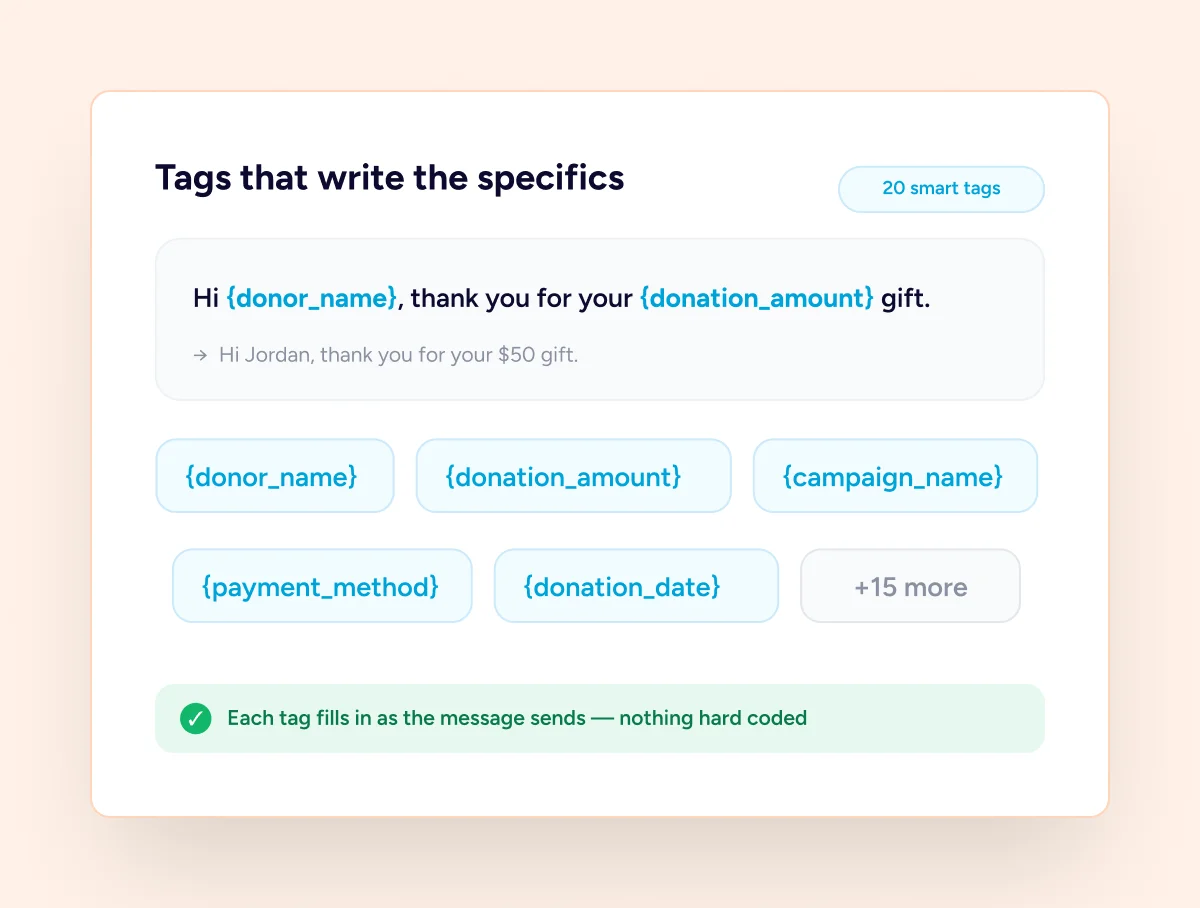
Twenty Tags That Write The Specifics
Twenty smart tags fill a message in as it sends. Drop in the name, the amount, the campaign, the date, the payment method or the transaction reference, and each one resolves to that donation. Site details and your admin address work the same way, so nothing needs hard coding.
Deciding Who Hears
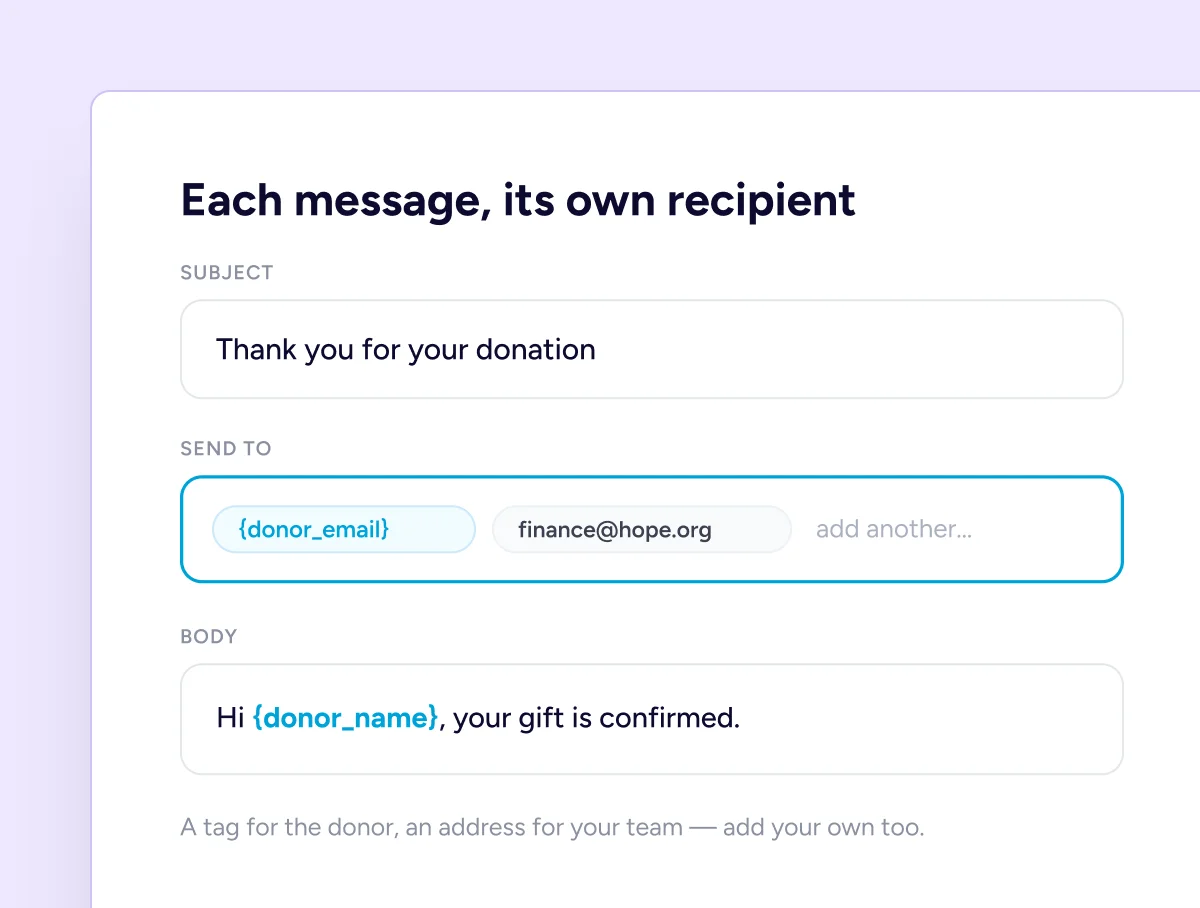
Every Message Has Its Own Recipient
Every notification carries its own name, subject line and body, and you decide who gets it. Put a smart tag in the recipient field to reach the donor, type an address for a colleague, or list several separated by commas. Add notifications of your own beyond the seven.
Before The Inbox
What Happens The Second They Give
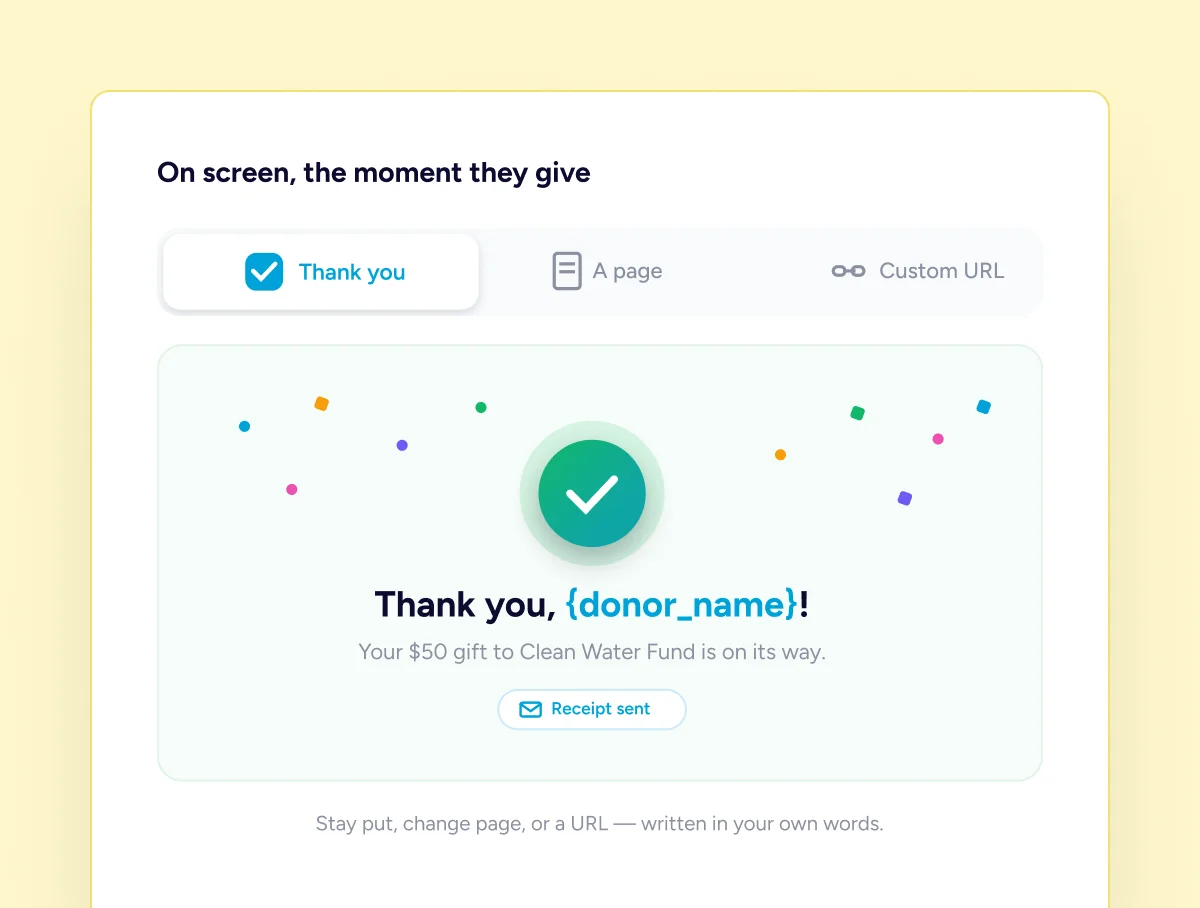
What happens on screen is set beside the emails. Keep the donor where they are and show a thank you, send them to another page on your site, or hand them to a URL of your own. Choose whether the form hides itself afterwards or clears ready for another gift.
Sent From Your Site, In Your Words
Messages go out from your own WordPress install, through whatever mail setup you already trust. There is no sending service in the middle, no footer advertising us, and no wording you are stuck with. Rewrite any of it whenever you like.
Three Steps To A Donor Hearing Back
Two of them are optional, because the defaults already work.
Open The Form
Every donation form has its own notifications, listed with a status, a name and a subject.
Edit What You Want
Change the wording, the subject or the recipient. Drop smart tags in wherever you need them.
Send Yourself One
Fire a message at your own inbox and read it exactly as the donor is about to.
Receipts on Pro
Receipts Worth Keeping
What a supporter can file, hand to an accountant, or find again months later.
Attached automatically
A PDF Receipt On Every Completed Gift
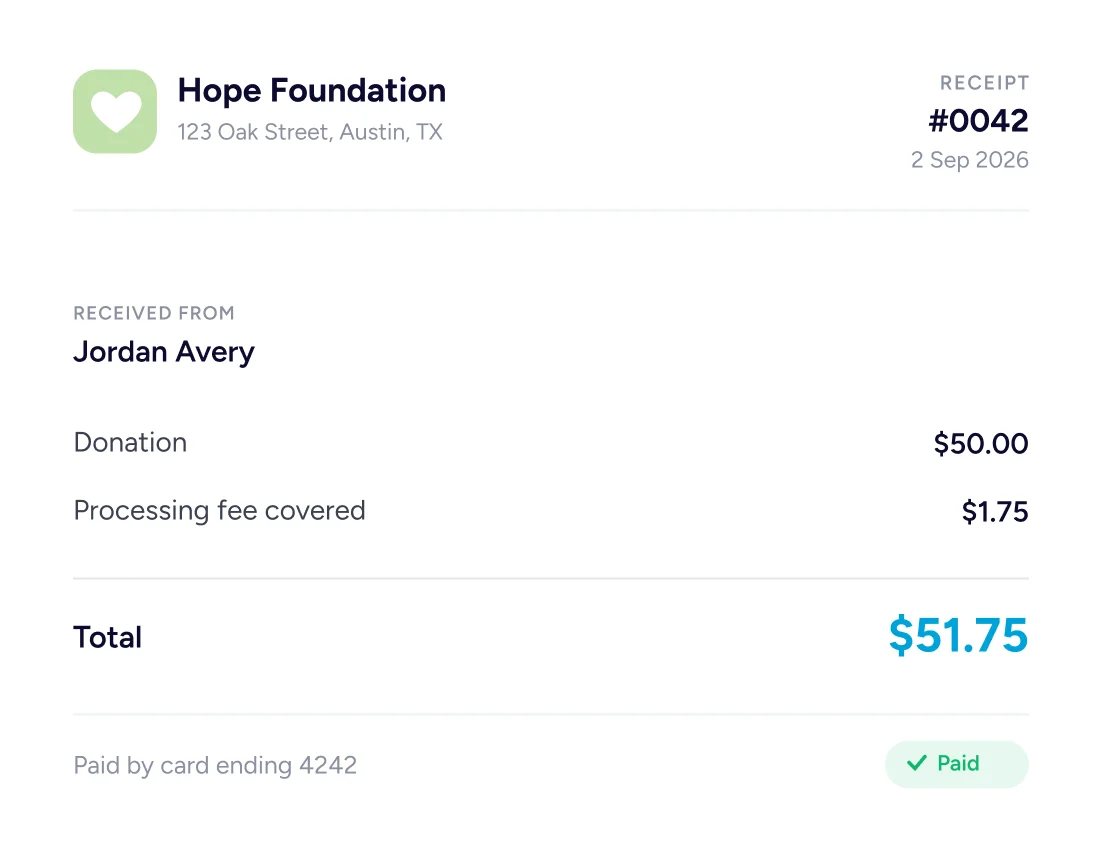
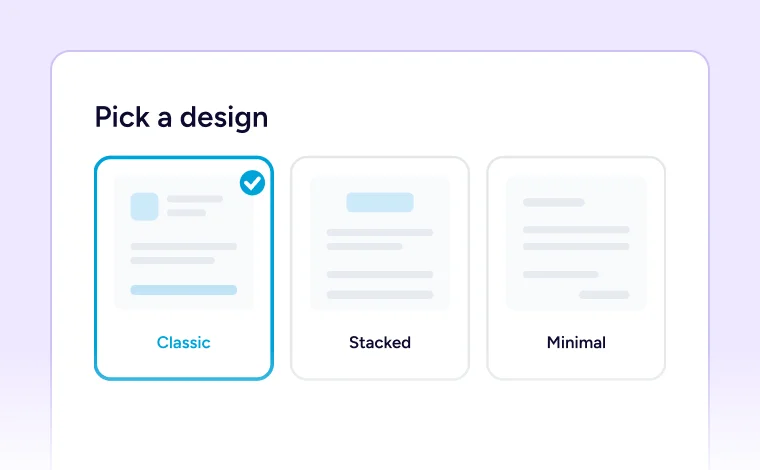
Pro attaches a PDF receipt to the completed donation email automatically. Pick one of three designs, set it on the form, and give it your organisation name, address, logo and your own header and footer wording. Every receipt carries its own number and date.
Three Designs
Classic, stacked or minimal, chosen once and applied to the form.

Your Organisation On It
Name, address, email and a logo of your own at the top.
Numbered And Dated
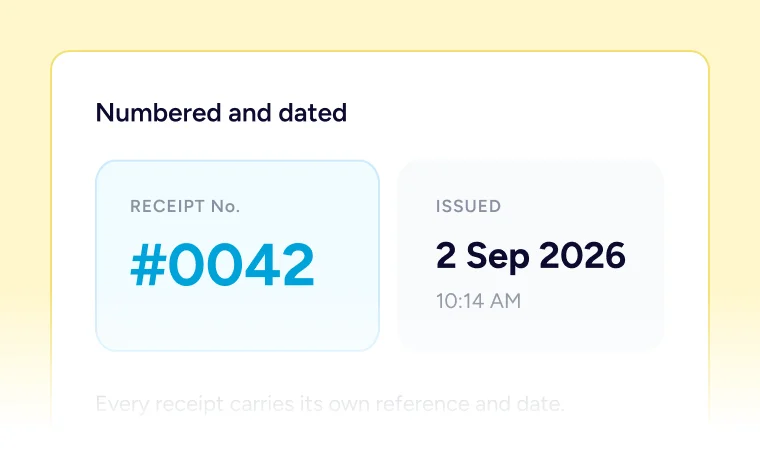
Each receipt carries a reference and the date it was issued.
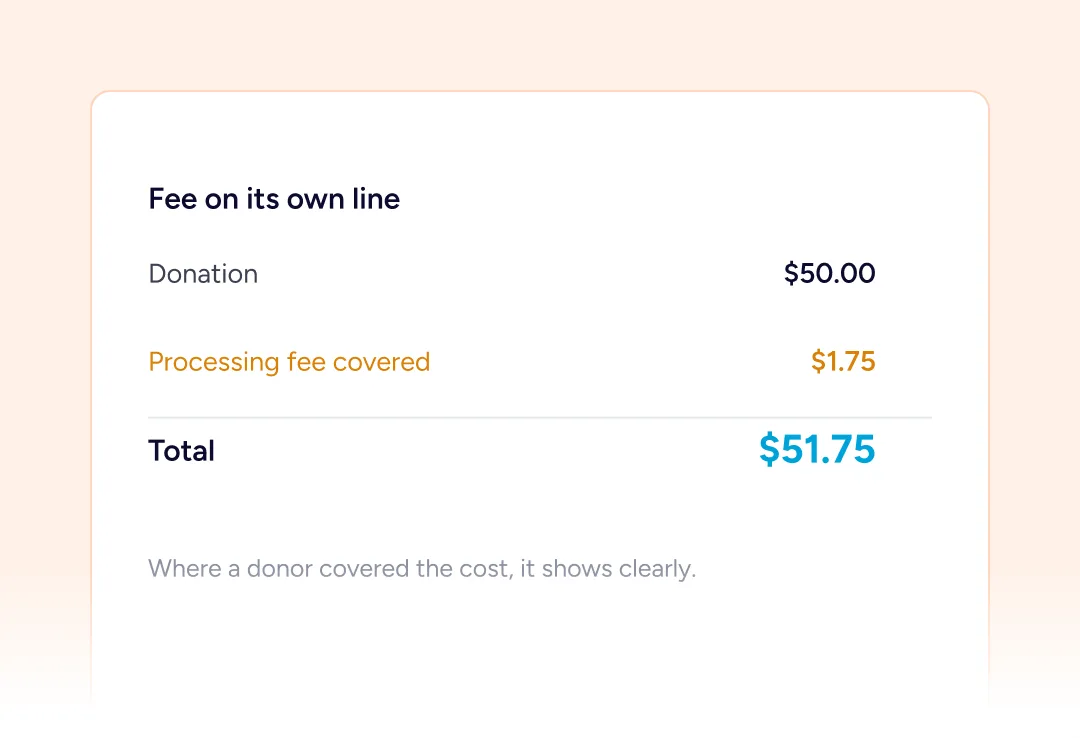
Fees Shown Separately
Where a donor covered the processing cost, it appears on its own line.
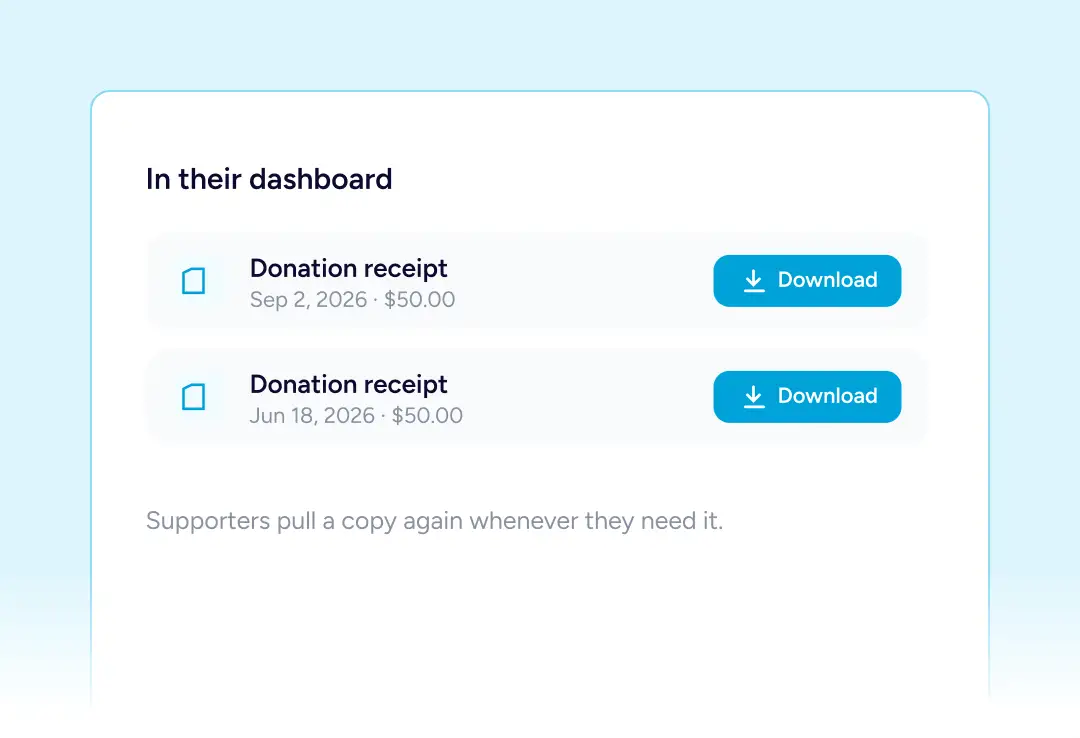
Theirs To Download
Supporters pull a copy again from their dashboard whenever they need it.
Both Sides Hear What Happened
Every outcome a donation can reach sends word, to the supporter who gave and to the people who need to know.
For The Donor
A receipt when the gift completes, a note while a payment is still clearing, word if the card is declined, and confirmation when money goes back.
For Your Team
The same decline and refund alerts land in your inbox too, plus word the moment a new gift arrives, before the donor has any reason to chase.
When Giving Repeats
When Giving Repeats, So Does The Writing
A regular gift generates far more messages than a single one, and all of them arrive written.
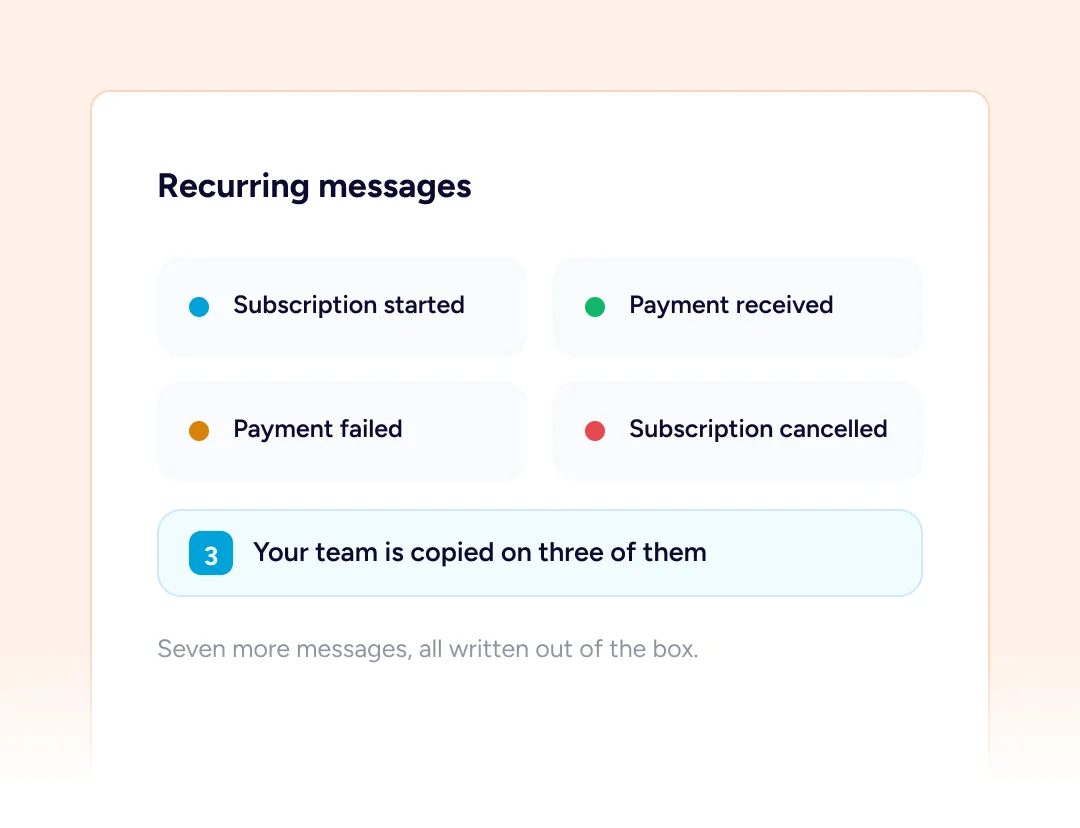
Seven More On Pro
Recurring giving adds its own set: a subscription started, each payment received, a payment that failed and a cancellation, with your team copied on three of them.
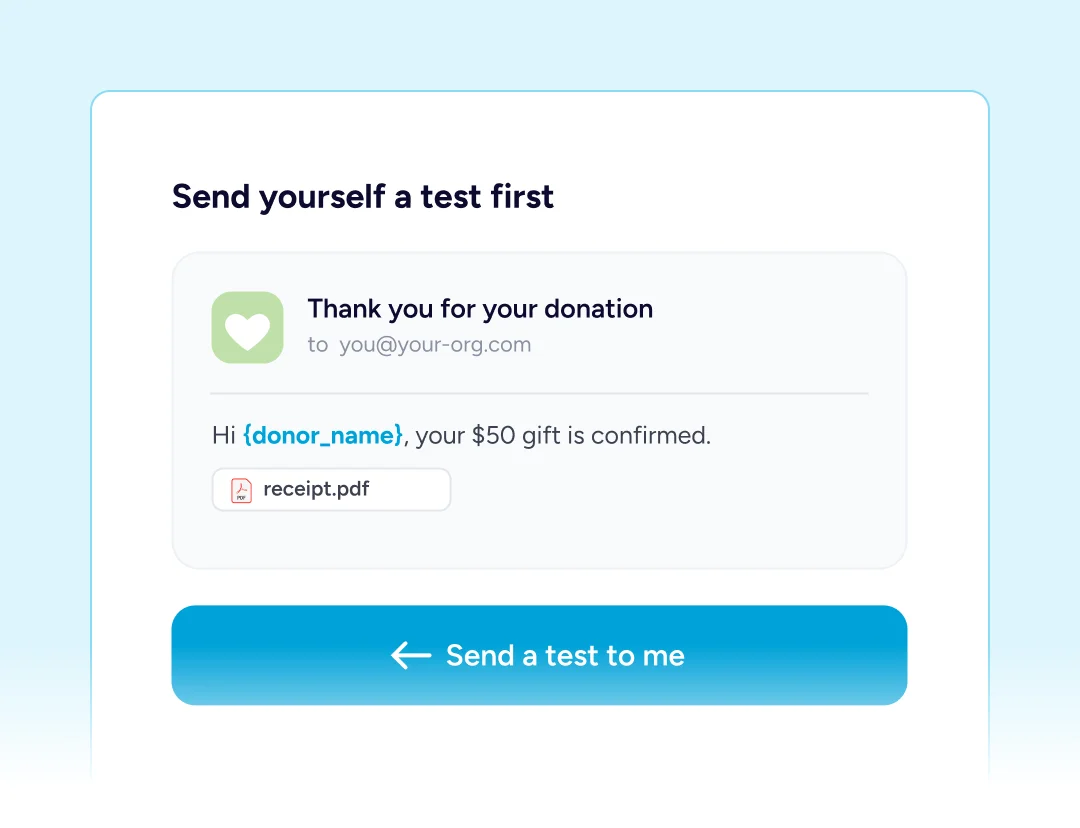
Read It Before They Do
Any message can be fired at your own inbox first, so you see the layout, the tags filled in and the attachment before a supporter ever does.
Built For Every Type Of Fundraising Organization

NGOs & Nonprofits
A numbered receipt that a supporter can hand straight to their accountant.

Churches
Regular givers get a record each month without anybody writing one.

Educational Institutions
An alumni office hears about a new gift before the thank-you call.

Medical Fundraisers
A failed card is flagged fast, while the family still has time to fix it.

Animal Welfare Organizations
Covered fees show on the receipt, so the donor sees where it went.

Creators and Developers
Nothing to configure before the first supporter gets a proper reply.
Things you may want to know
No. All seven notifications, the twenty smart tags, the editor and the test send are free. Pro adds PDF receipts and the recurring messages.
Seven messages, worded and switched on. The donor gets four of them and your team the other three, one for each outcome.
Yes. Name, subject and body are all yours to rewrite, individual messages can be disabled, and you may create extra ones.
The donor through a smart tag, a colleague at a typed address, or several people at once by separating the addresses with commas.
Placeholders that resolve while a message is being sent. Twenty exist, covering who gave, how much, which appeal, and details of your site.
Yes. Any message can be sent to yourself first, arriving with its tags filled in and its attachment present, just as a supporter receives it.
On Pro, yes. One rides along with the thank-you message, and a supporter can fetch another copy from their dashboard later on.
Yes. Notifications belong to the form, so an emergency appeal and a regular fund can each say something different.
Whichever you pick: words in place, a different page you have built, or an address you supply. The form then hides itself or clears.
Your own. Messages leave through WordPress and whatever mail setup your site already uses, with nothing routed through us.
Email [email protected] and we will point you in the right direction.