
Fundraising Campaigns
Fundraising Campaigns That Live on Your Own Site
Every appeal gets its own page, its own goal and a progress bar that updates itself. Campaigns are WordPress posts, so they behave like the rest of your site.

More Than a Donate Button
One donation box cannot tell people what they are giving to, or how close you are.
Somewhere to Live
Each appeal gets a real page with its own link, so you can share it, edit it and find it again next year.
Something to Aim At
A visible goal turns a vague ask into a clear, meaningful target people can help you close together with confidence.
A Way to Finish
Close a campaign and the giving stops. The page stays up as a lasting record of what it raised.
Built for how appeals actually run
From a Cause to a Live Appeal
Start from something already set up, give people a number to push toward, and close it cleanly when the appeal is over.
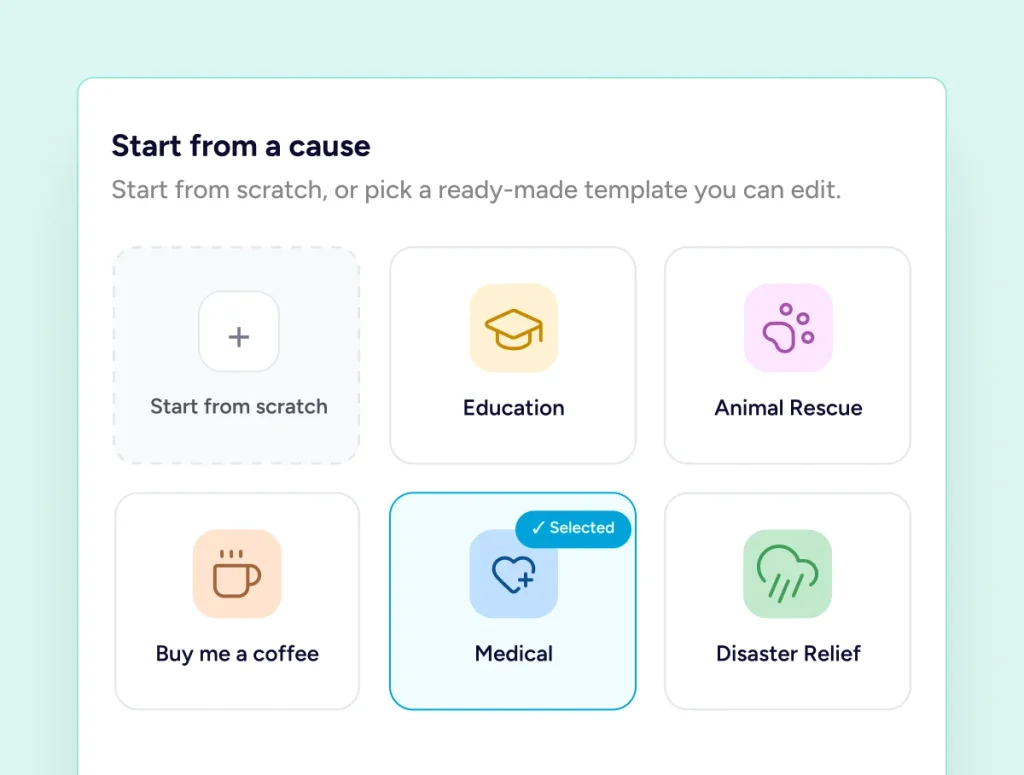
Start where someone else left off
Eight Causes, Already Set Up
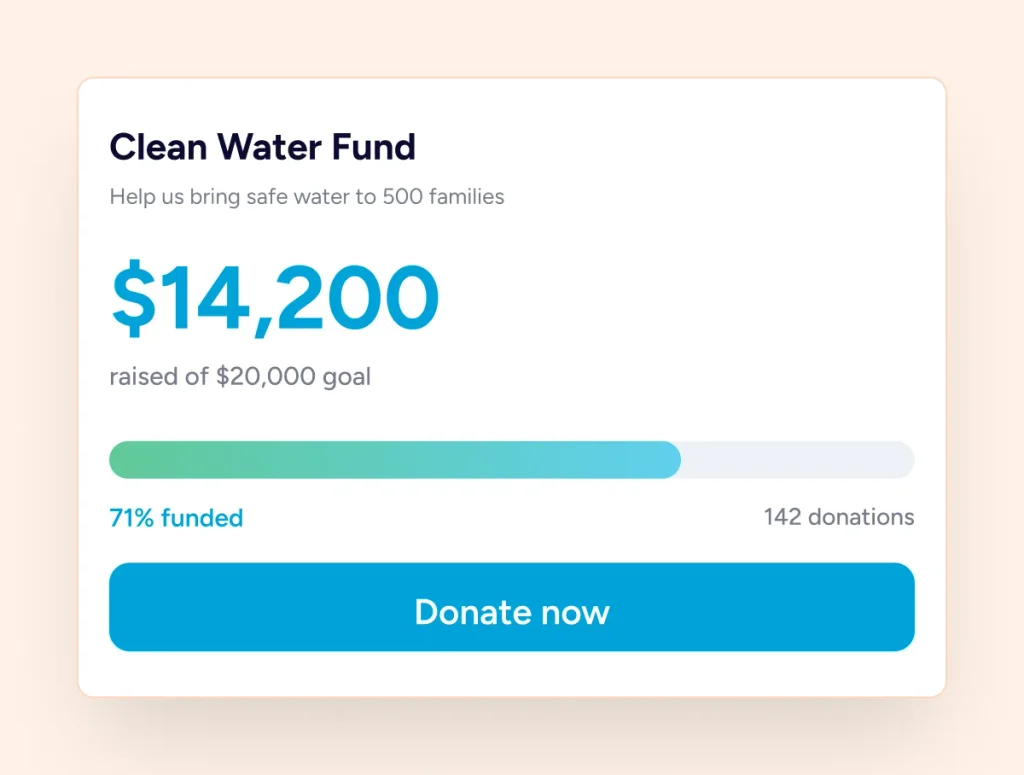
A number on a page changes how people give. Set your target as an amount raised or a number of donations, and the bar fills itself as gifts land. SureDonation works out the percentage and flags the moment the goal is met, so nobody has to keep a total up to date by hand.
Give people something to push toward
A Goal People Can Watch Fill
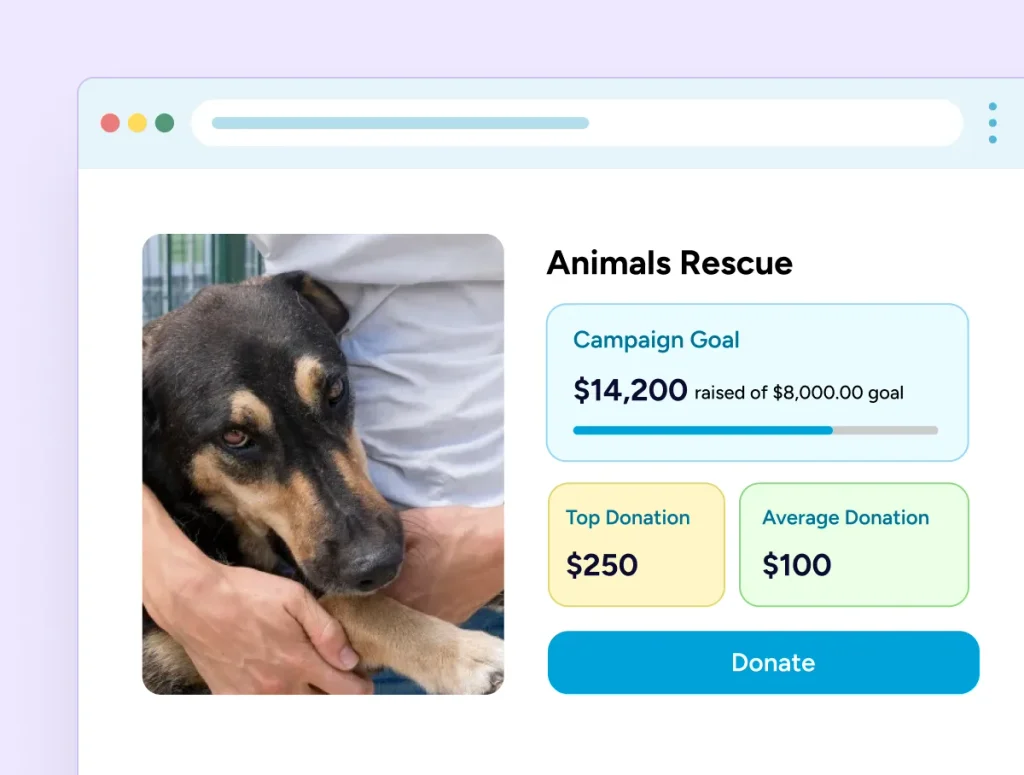
A number on a page changes how people give. Set a target in money raised or donations received, and the bar fills itself as gifts land. No updating a figure by hand, and no stale total sitting there through your busiest week.
It is a page, not a widget
Build It Like Any Other Page
Your campaign has a real permalink, a featured image and block content, so you lay it out in the editor you already use and it inherits your theme. Six blocks bring the live numbers in: goal progress, a single statistic, recent donations, top donors, a donate button and social sharing.
Appeals should be able to end
Pause It, Close It, Keep the Page
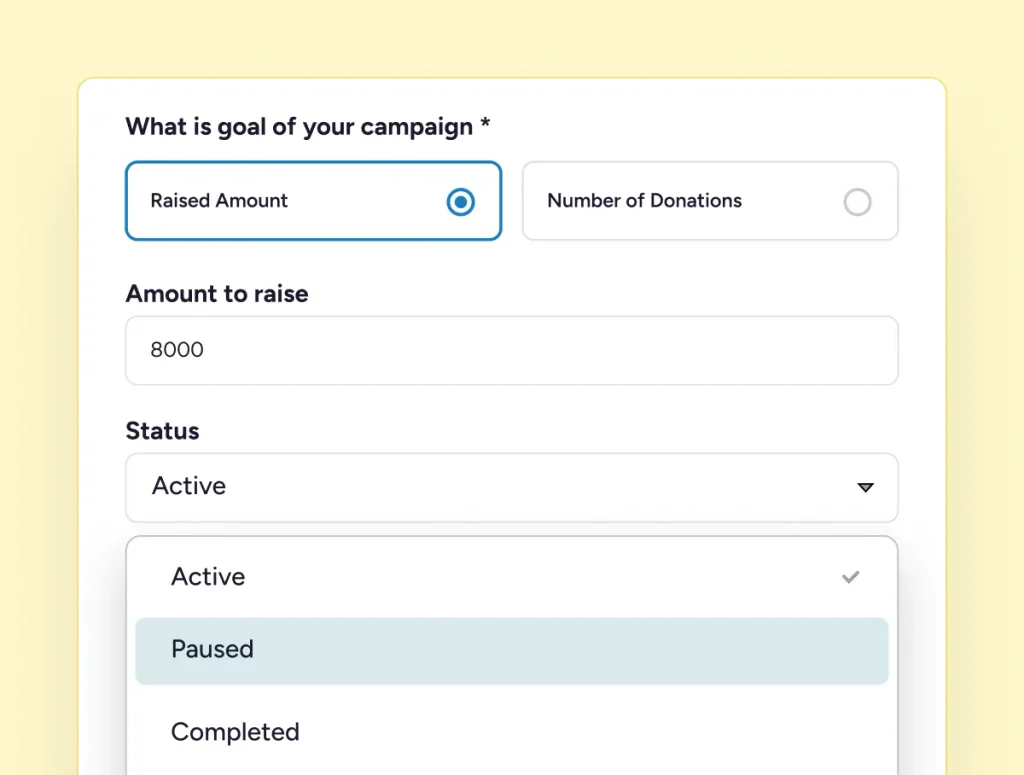
When an appeal is over, most tools leave the form open and hope you remember. Mark a campaign completed and it stops accepting gifts across Stripe, PayPal and offline giving straight away, while the page stays published showing exactly what was raised.
Your Campaigns Stay on Your Own Site
No platform fee, and nothing on your form asking donors to fund software. You pay your payment processor’s standard rates and nothing to us. The only optional extra on the form is fee recovery, and that goes to you.
Live in Three Steps
Most organisations publish their first campaign the same afternoon they install the plugin.
Pick Your Cause
Choose a template and your goal, form and page layout come with it. Or start from scratch.
Name Your Target
Decide whether you are counting money raised or donations received, and set the number.
Share the Link
Adjust the layout, drop in the blocks you want, and send people to a page that updates itself.
The parts that save you time
Everything a Campaign Keeps Track Of
The numbers behind an appeal, and the small things that stop running several of them becoming a job in itself.
No spreadsheet required
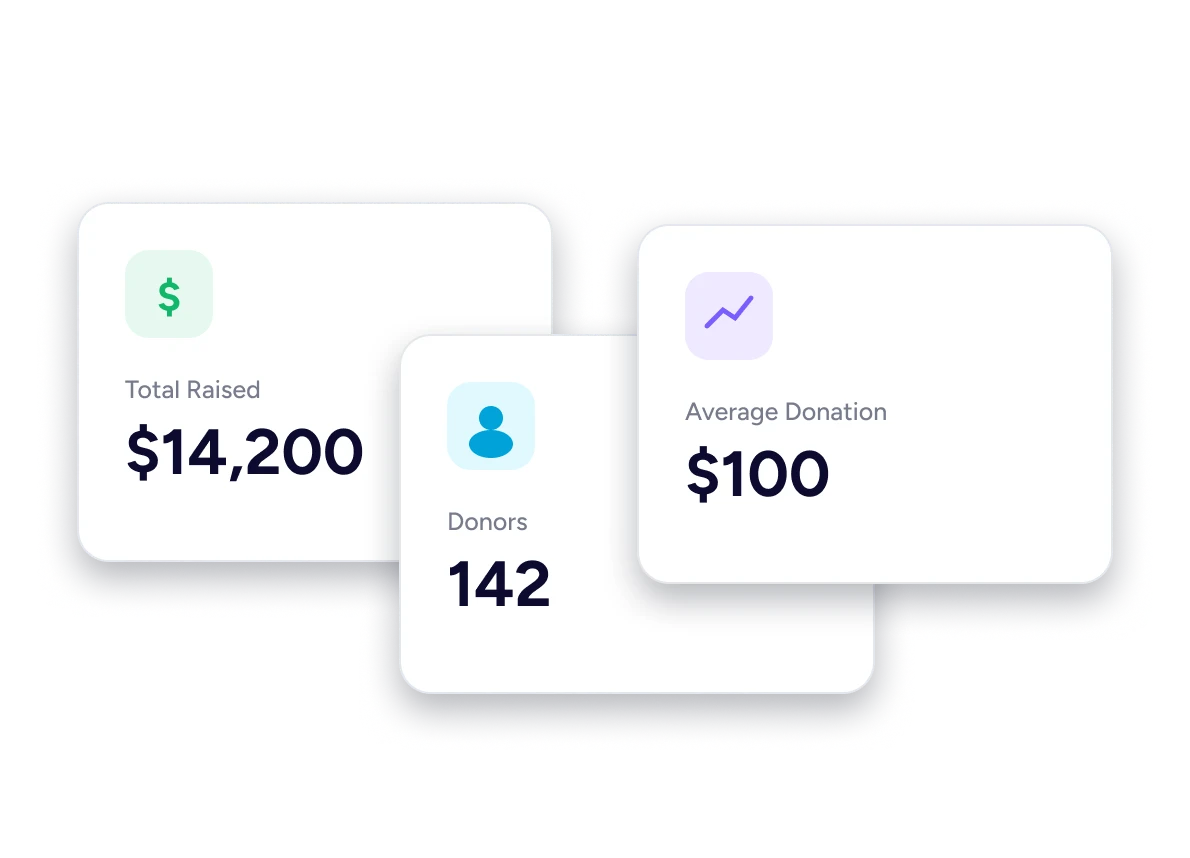
Five Figures, Counted for You
Total raised, donors, donations, average donation and top donation. The Campaign Statistic block shows one figure at a time, so you place the ones this appeal needs and leave the rest out. Every number updates as gifts complete, so what your board sees is what actually happened.
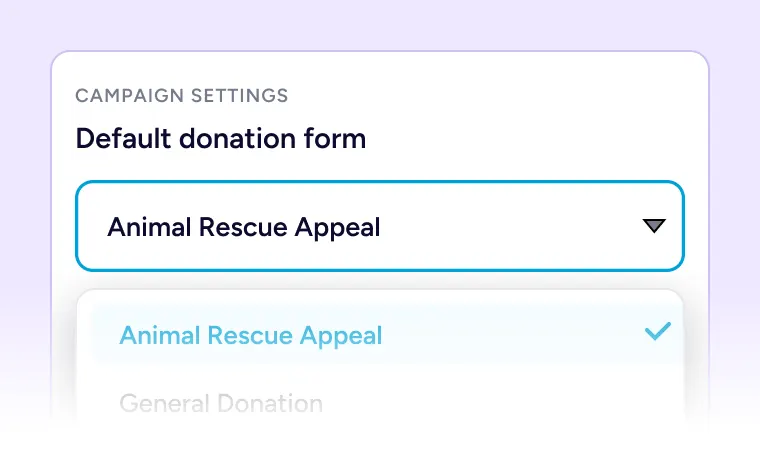
The Right Form, Every Time
Set one default donation form per campaign so the page never shows last year’s ask.
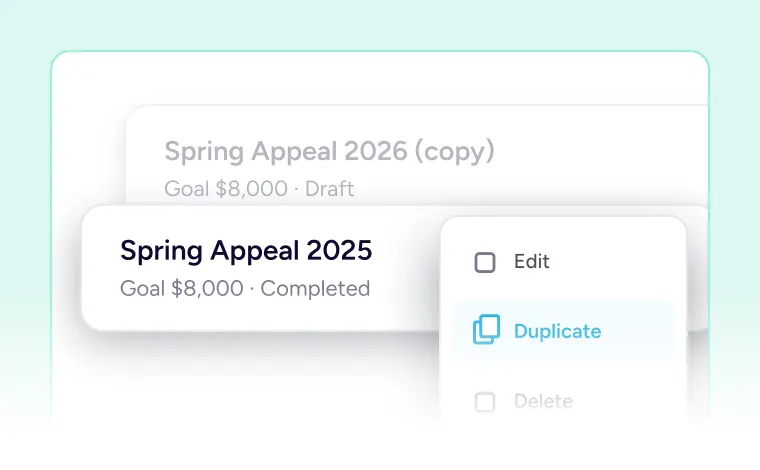
Next Year in One Click
Duplicate a campaign and the goal and settings carry over, with a fresh page and form of its own.

Never Lose a Form Again
See every page and post where this campaign’s donation form has been embedded.
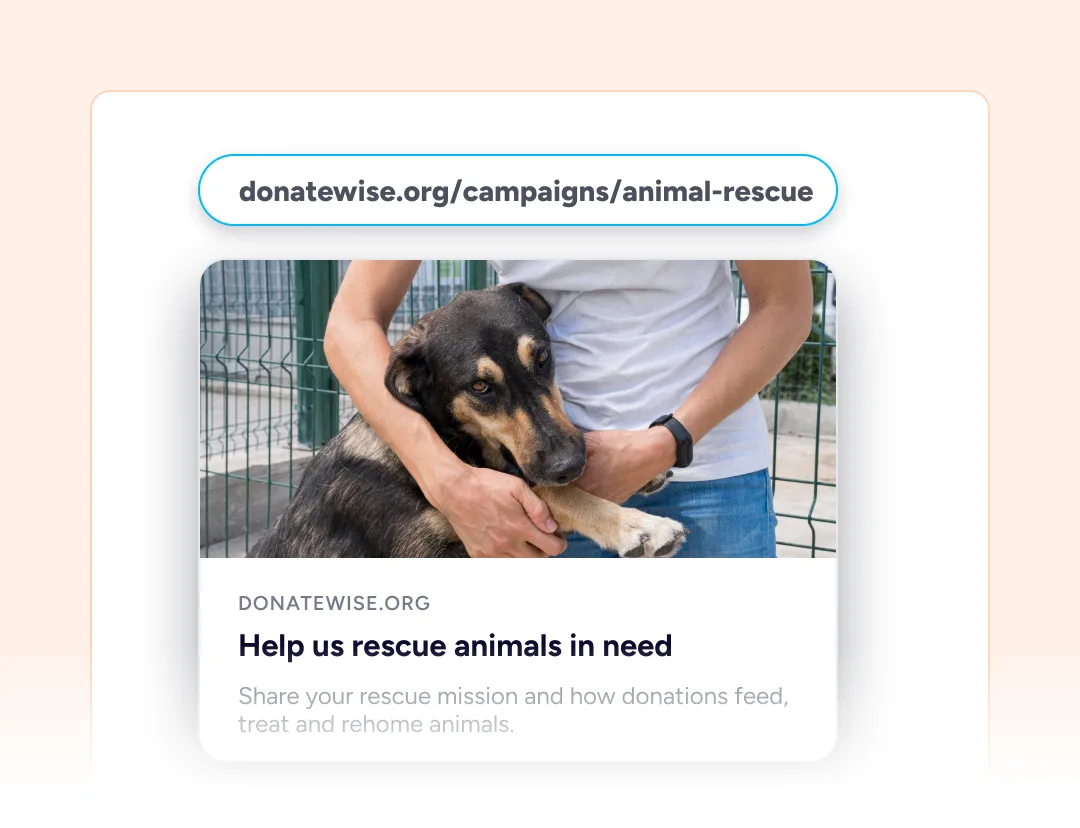
Shared Links That Look Right
Campaign pages carry Open Graph and Twitter Card tags, so a pasted link previews with your image and title instead of a URL.
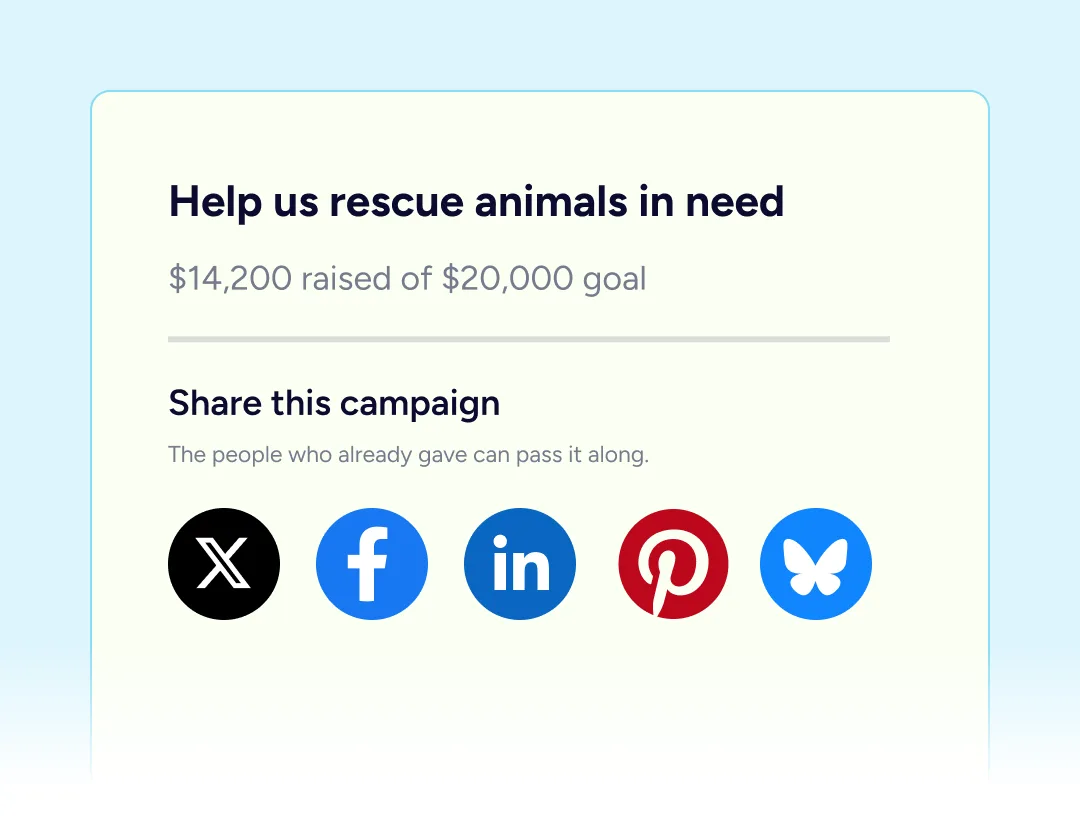
Let Supporters Do the Asking
Add X, Facebook and LinkedIn buttons so the people who already gave can pass the appeal along.
Built For Every Type Of Fundraising Organization

NGOs & Nonprofits
Run the annual appeal and the emergency fund at the same time, without either total muddling the other.

Churches
A campaign for each fund or ministry, and the building appeal closed off the week it completes.

Educational Institutions
One campaign per class, team or trip, duplicated each year for the next intake.

Medical Fundraisers
Start from the medical template, set the treatment cost as the goal, and share one link.

Animal Welfare Organizations
Count sponsors instead of money when the ask is for a number of people, not an amount.

Creators and Developers
Accept ongoing support from your own site, with your supporter records staying in your own database.
Things you may want to know
No. Campaigns, goals, progress tracking, the eight cause templates and all six campaign blocks are in the free plugin.
As many as you need. Each one gets its own page, goal, status and default donation form.
SureDonation Pro has no platform fee — you pay only your payment processor’s standard rates. The free plugin carries a [RATE] platform fee on donations it processes. Either way, nothing on your donation form asks donors to contribute to us.
Yes. A goal can be an amount raised or a donation count, and the progress bar follows whichever you choose.
Mark it completed and its forms stop accepting donations. The page stays published as a record of what was raised.
Yes. Duplicate it and the goal and settings carry over, with a fresh page and form of its own.
Yes. A campaign is an ordinary WordPress post with its own permalink, featured image and block content.
Yes. Both have six dedicated campaign widgets or elements — goal, statistic, donations, donors, donate button and sharing.
SureCart takes the payment well, but it has no concept of a campaign with a goal, a progress bar and its own page. That is what SureDonation adds.
On your own site, in your own WordPress database. Campaigns are ordinary content and the donation records are yours.