
Donation Forms
Create Flexible Forms for Every Giving Need
Build donation forms with the fields, amounts, and payment options you need, then customize them to fit every campaign and cause.

A Donation Form Is Not A Checkout
Selling tools model a purchase. Giving works differently, and every field here is built for a gift.
The Amount Is Theirs
Donors decide what to give, so the amount field leads with suggestions and always allows a figure of their own.
Some Give Quietly
Anonymous giving is a single checkbox, not a custom field you have to remember to filter out of public lists.
Gifts Belong To Causes
Every donation lands against a campaign and a donor record, instead of sitting in an order queue.
Forms Made Simple
Build The Ask, Not A Checkout Flow
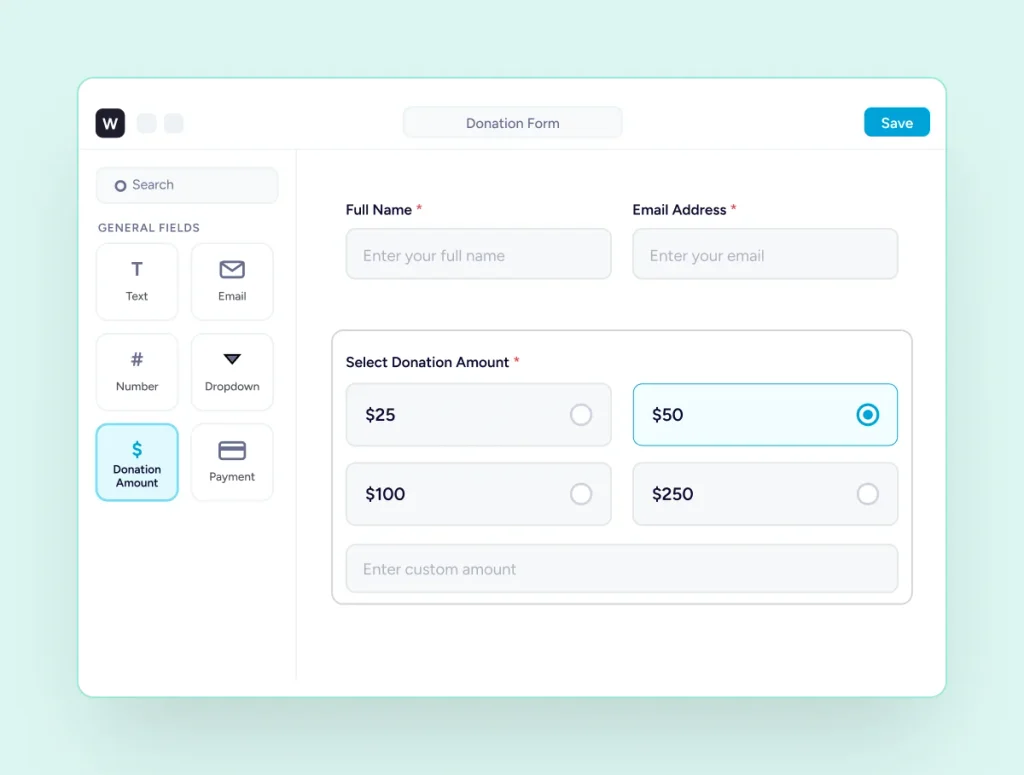
Drag in the fields your appeal needs, set the amounts you want to suggest, and style it to your brand without leaving WordPress.
Block Editor
Build Your Form Where You Build Your Pages
The form builder is the WordPress block editor, so there is no separate interface to learn and no proprietary format holding your form. Drag fields in from the inserter, reorder them, and set any field to half width to lay two on one row. Duplicate a finished form in one click when you need a variation.
Donation Amounts
Let Donors Choose, Or Name Their Own Figure
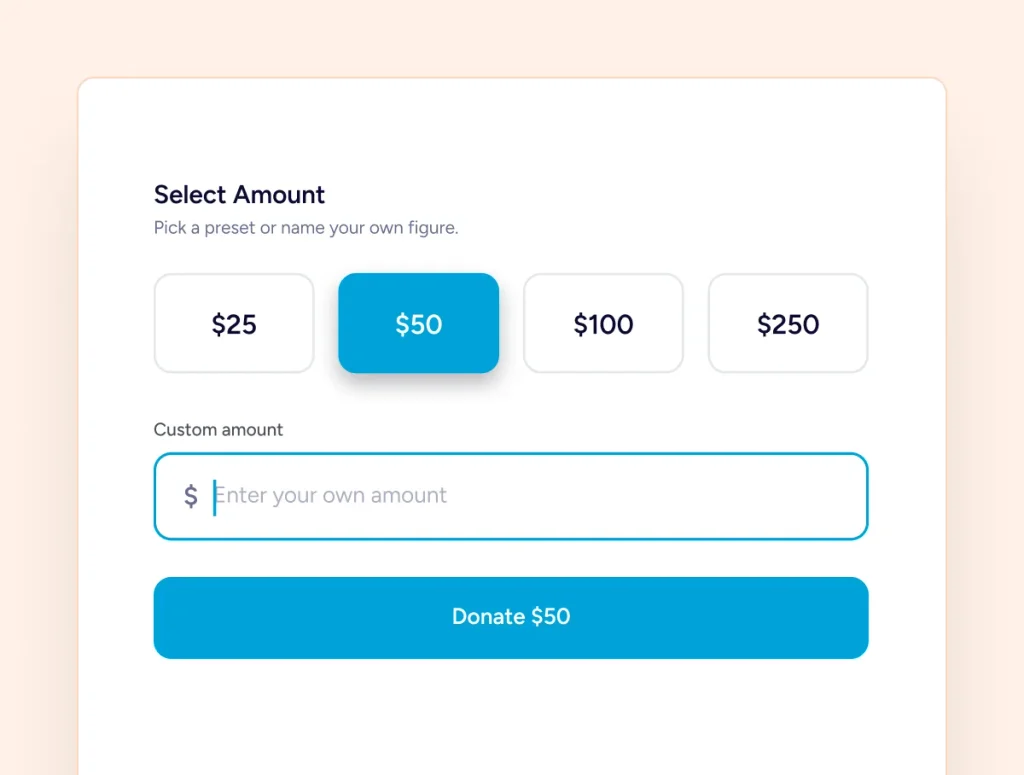
Suggest four amounts, preselect one so nobody arrives at a field sitting on zero, and keep the custom amount open for everyone else. Set a minimum so processing fees never eat a small gift. Show the amounts in a row or a column, at full, half, third or quarter width.
Form Design
Match Your Brand Without Touching Code
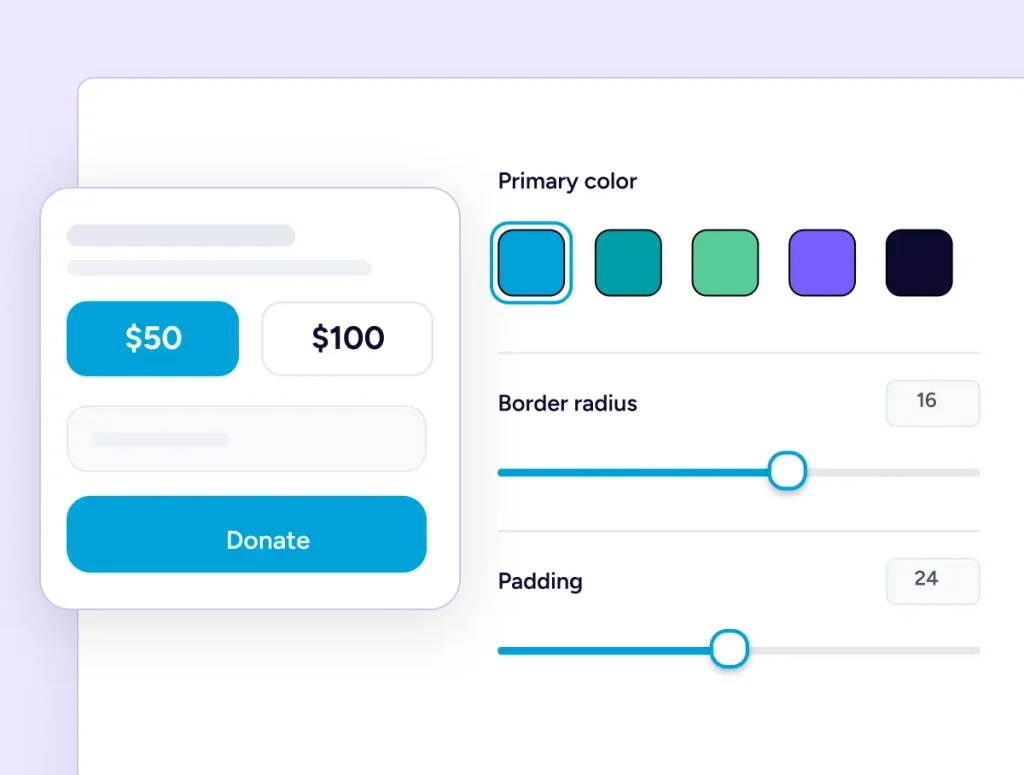
Style the form beside a live preview: background, colours, padding, corner radius, field spacing and button alignment. Colours can come straight from your theme palette, so the form inherits the site it sits on. Every form also has its own Custom CSS tab when you want to go further.
Trust And Validation
Every Submission Checked Twice
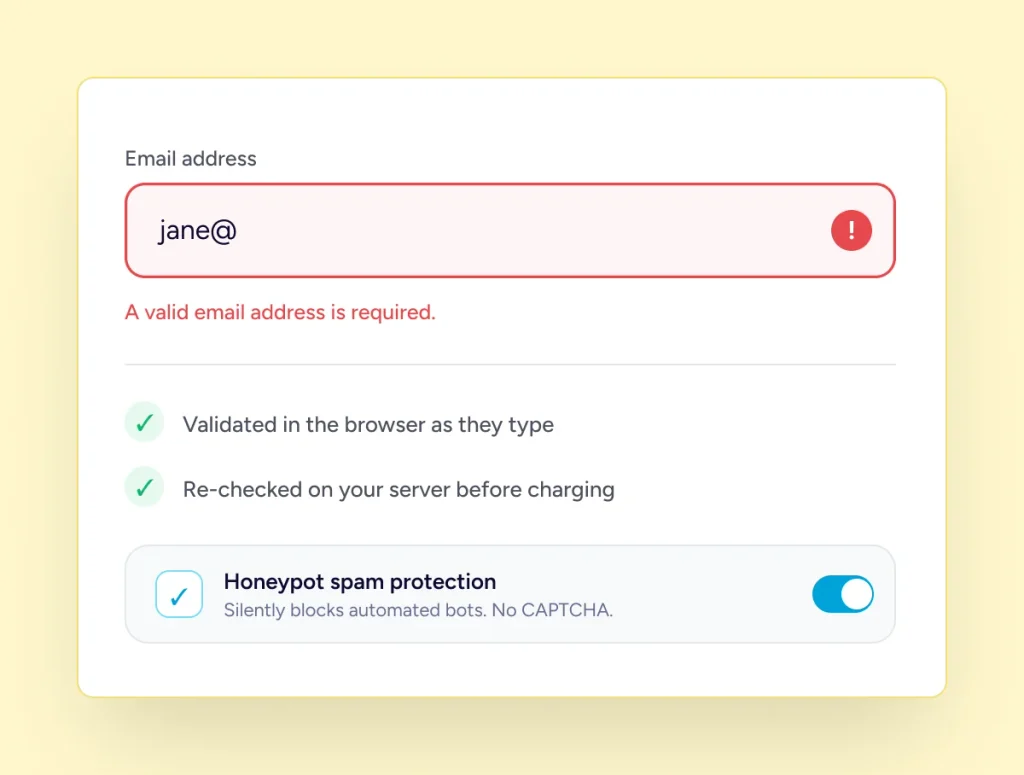
Fields are validated in the browser as donors type and again on your server before anything is charged, with nineteen default messages you can rewrite. Honeypot spam protection stops automated submissions, and a tampered payment amount is rejected rather than processed.
Keep Every Dollar You Raise
No platform fee, and nothing on your form asking donors to fund software. You pay your payment processor’s standard rates and nothing to us. The only optional extra on the form is fee recovery, and that goes to you.
How it Works
Free covers the basics. Pro unlocks what turns donors into a growing base of support.
Connect A Payment Method
Connect Stripe, PayPal or offline giving. Test mode first, then switch to live when you are ready.
Build Your Form
Drag in the fields your appeal needs and set the amounts you want to suggest for every fundraising campaign you create.
Publish It Anywhere
Place it on a page, a campaign, or inside Elementor and Bricks. One form can appear in as many places as you need.
Form Building
Everything Inside The Form
The fields themselves, the choices you give donors, and what happens after they give.
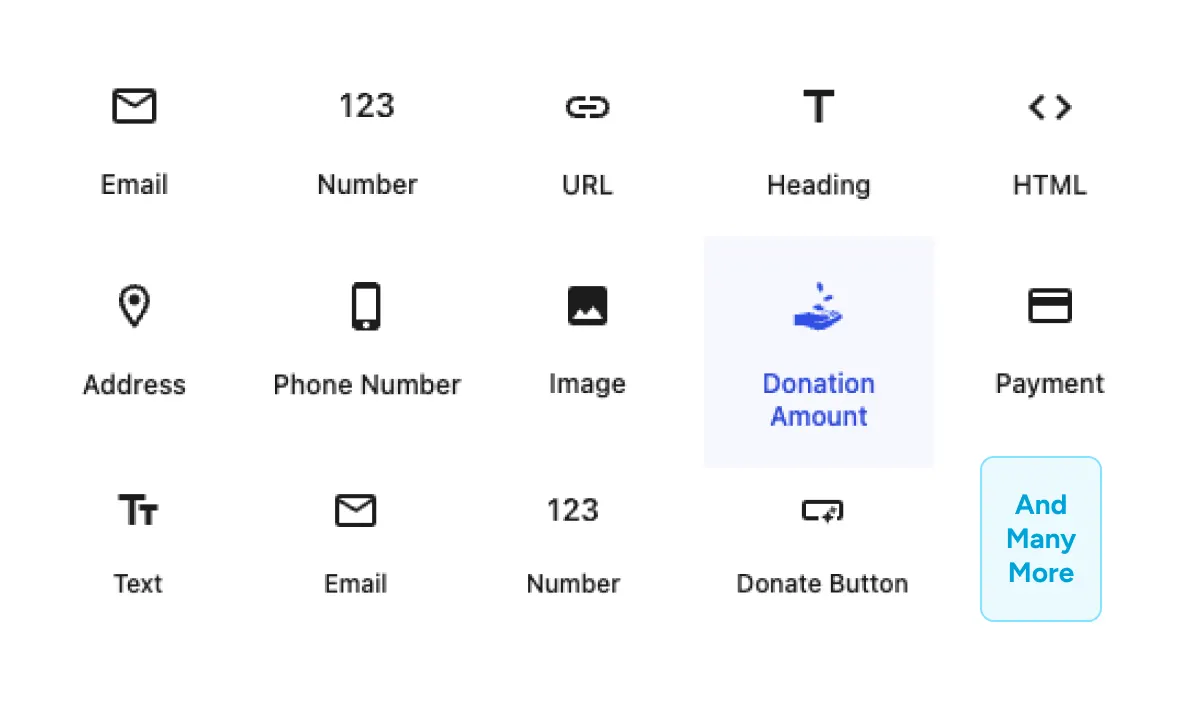
Fifteen Fields
Only Add What Your Ask Actually Needs
Choose from donation, payment, donor, and content fields to build the exact giving experience you need. Customize each field’s label, validation, help text, and width.
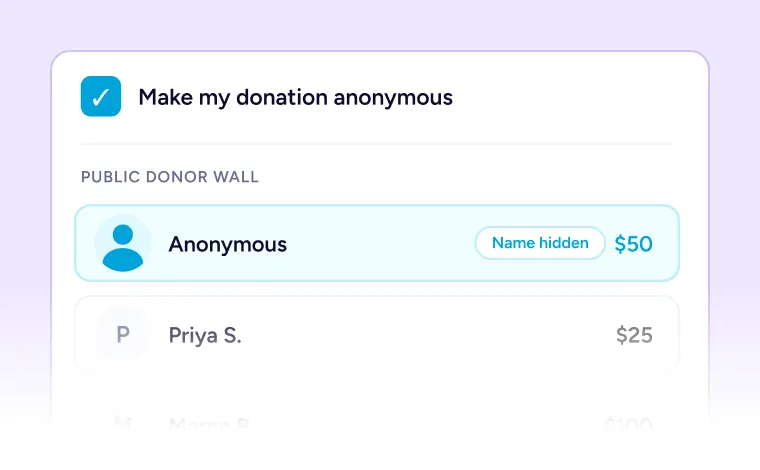
Anonymous Giving
One checkbox keeps a donor’s name off every public donor list on your site.
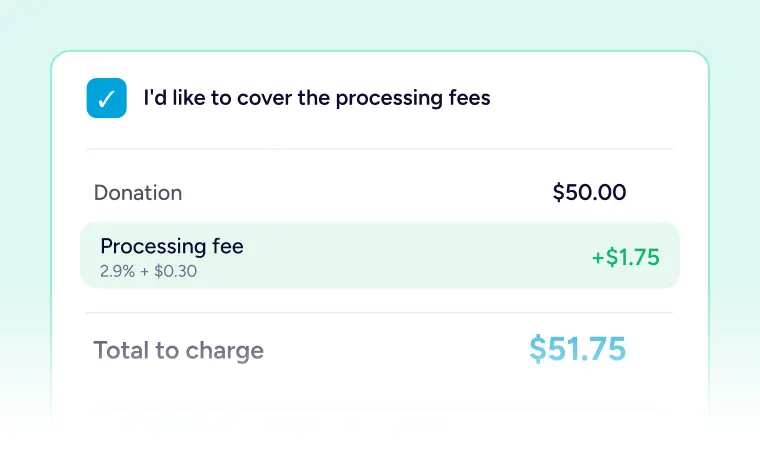
Cover Processing Fees
Donors can add the processing cost so more of their gift reaches the work.
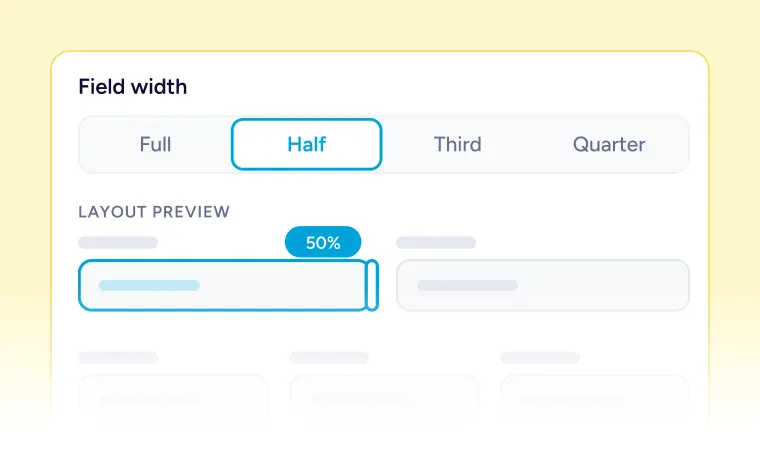
Multi-Column Layouts
Set any field to half, third or quarter width to lay fields side by side.
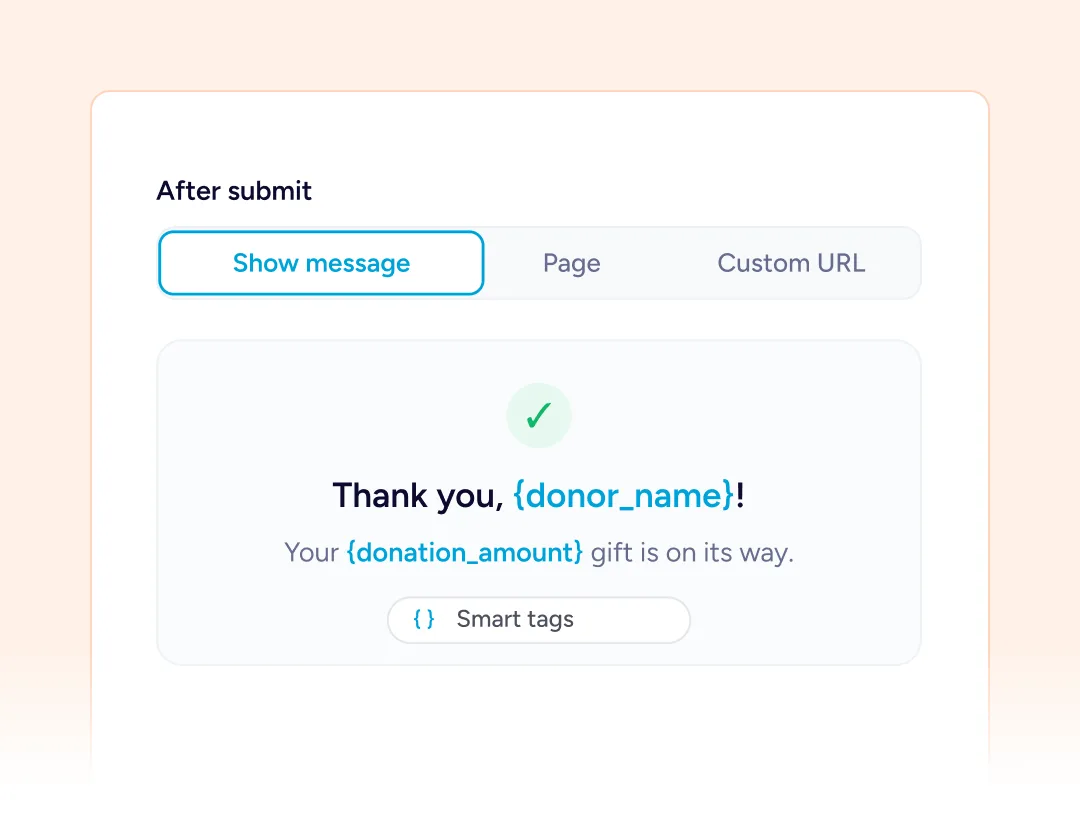
Confirmation Options
Show a message in place, or send donors to a page or custom URL. Write it yourself using smart tags.
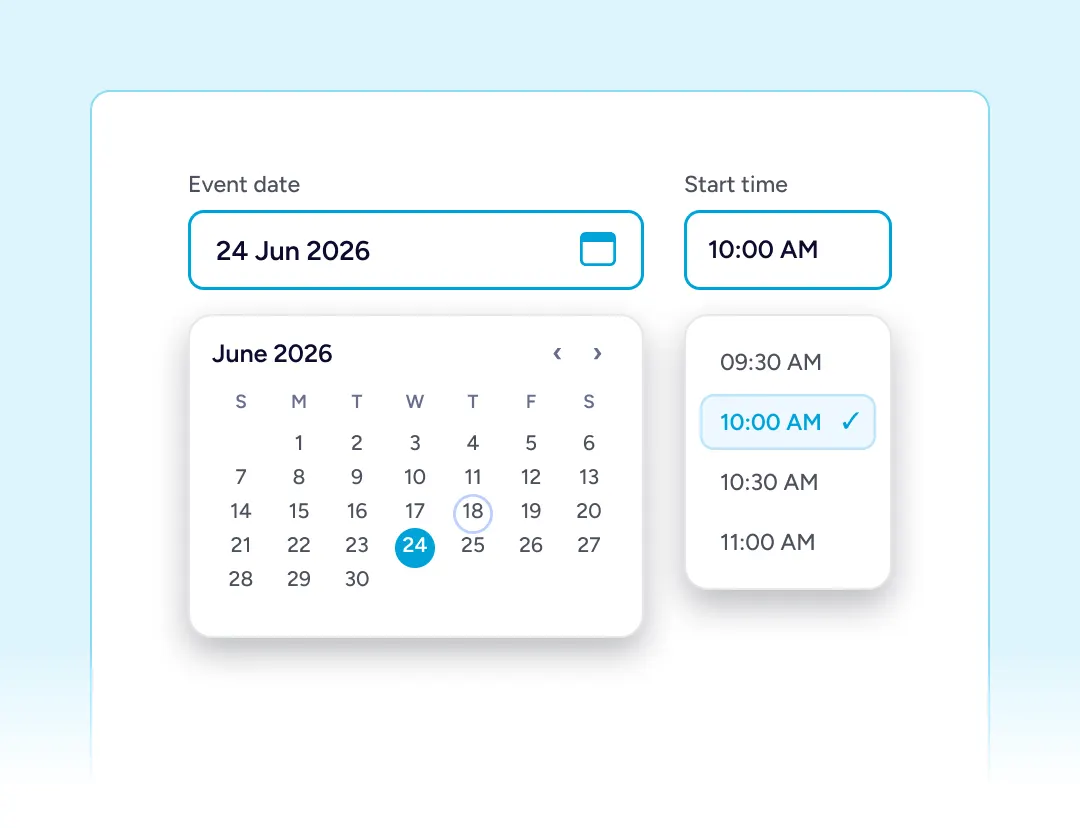
Date And Time Fields
Add a date or time picker for event-linked giving, or a gift tied to a particular day.
Add Widget to you Page Builder
The donation form is a native block, so it lives wherever you design. Two builders get a purpose built widget, and a shortcode covers the rest.

Gutenbuerg

Spectra

Elementor

Bricks
Form Workflow
Reuse It, Restyle It, Place It Anywhere
One form can serve several campaigns, carry its own styling, and appear wherever your pages are built.
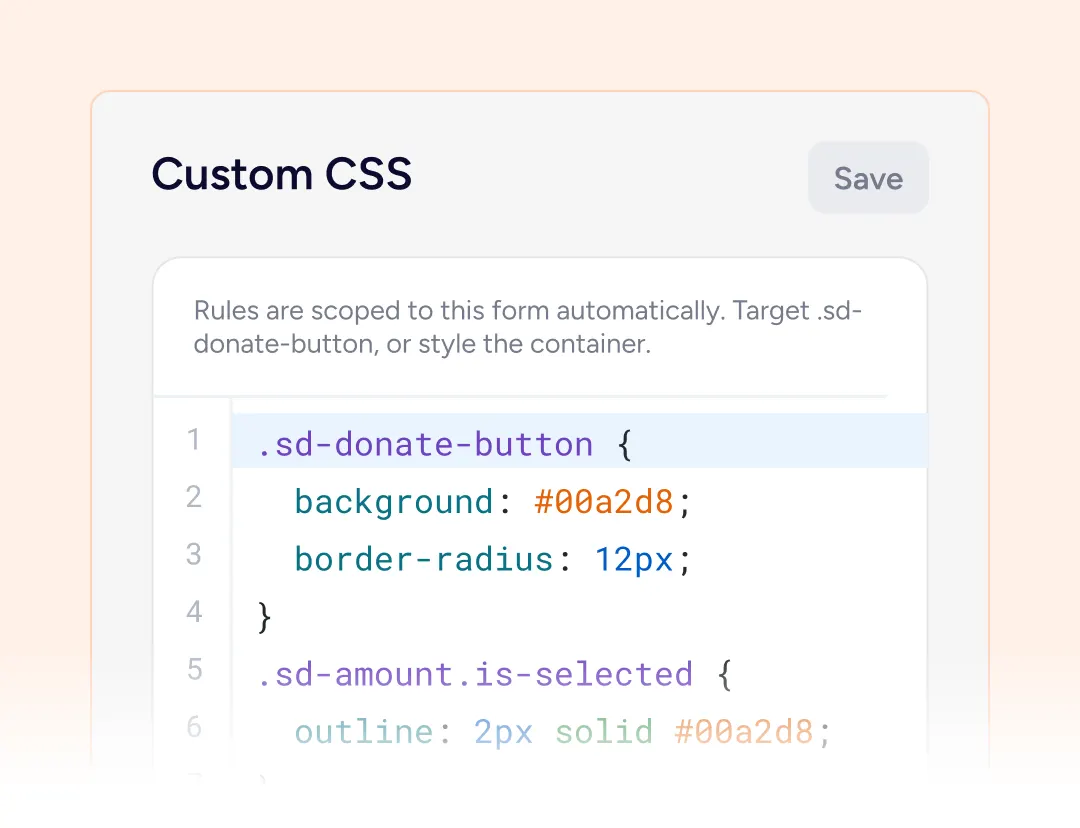
Custom CSS Per Form
Every form has its own Custom CSS tab with syntax highlighting, so one form can be restyled without touching your theme.
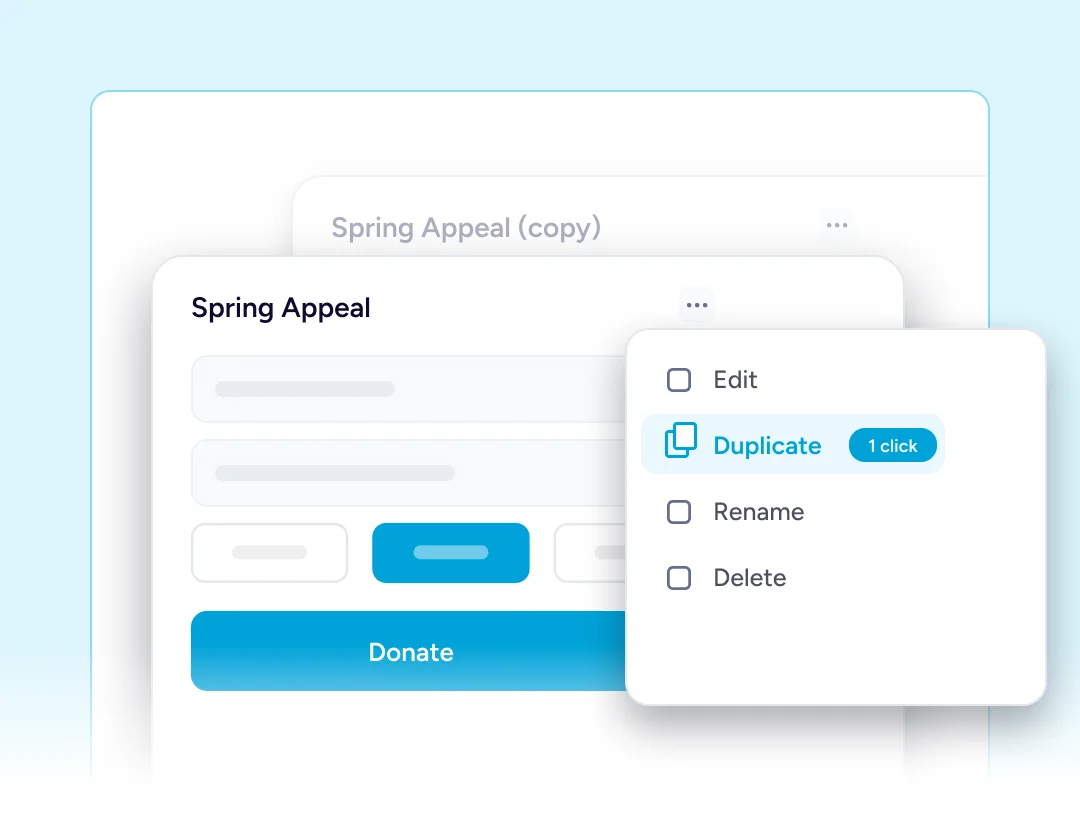
Duplicate Any Form
Copy a finished form in one click when you need a variation rather than a fresh start.
Built For Every Type Of Fundraising Organization

NGOs & Nonprofits
A short general-giving form: amounts, name, email, donate. Fewer fields means more finished gifts.

Churches
A dropdown directs the gift to a fund or ministry, and quiet givers stay anonymous.

Educational Institutions
A text field captures the class or year group, and a minimum keeps small gifts viable.

Medical Fundraisers
Story imagery carries the appeal, with anonymous giving available throughout.

Animal Welfare Organizations
Label each amount by what it funds, from a single meal to a course of treatment.

Creators and Developers
Accept support on your own site with no platform fee, and keep more of every donation.
Things you may want to know
No. The builder, all fifteen field blocks, suggested and custom amounts, anonymous giving, fee recovery, styling and spam protection are all in the free plugin.
No. There is no platform fee. You pay your payment processor’s standard rates, and nothing more to us.
SureCart takes the payment well, but it models a purchase: a product, an order, a customer. SureDonation models a gift, and adds campaigns, goals, donor records, anonymous giving and fee recovery.
Yes. They are separate plugins and do not conflict. Keep SureCart for anything you sell, and let SureDonation handle the gifts.
Stripe, PayPal and offline gifts such as bank transfer or cheque. Stripe and PayPal can both run at once, so donors choose.
Yes. Show suggested amounts and a custom amount together, with a minimum and maximum on the custom figure.
Yes. Add the Anonymous Donation block, and any donor who ticks it stays off every public donor list.
Yes. Both have a dedicated Donation Form widget or element, and a shortcode covers anywhere else on your site.
Usually straight away, since colors can come from your theme palette. Beyond that there is the styling panel, custom CSS and Pro.
On your own site, in your own WordPress database. Your forms are ordinary content and the donor records are yours.
Email [email protected] and we will point you in the right direction.